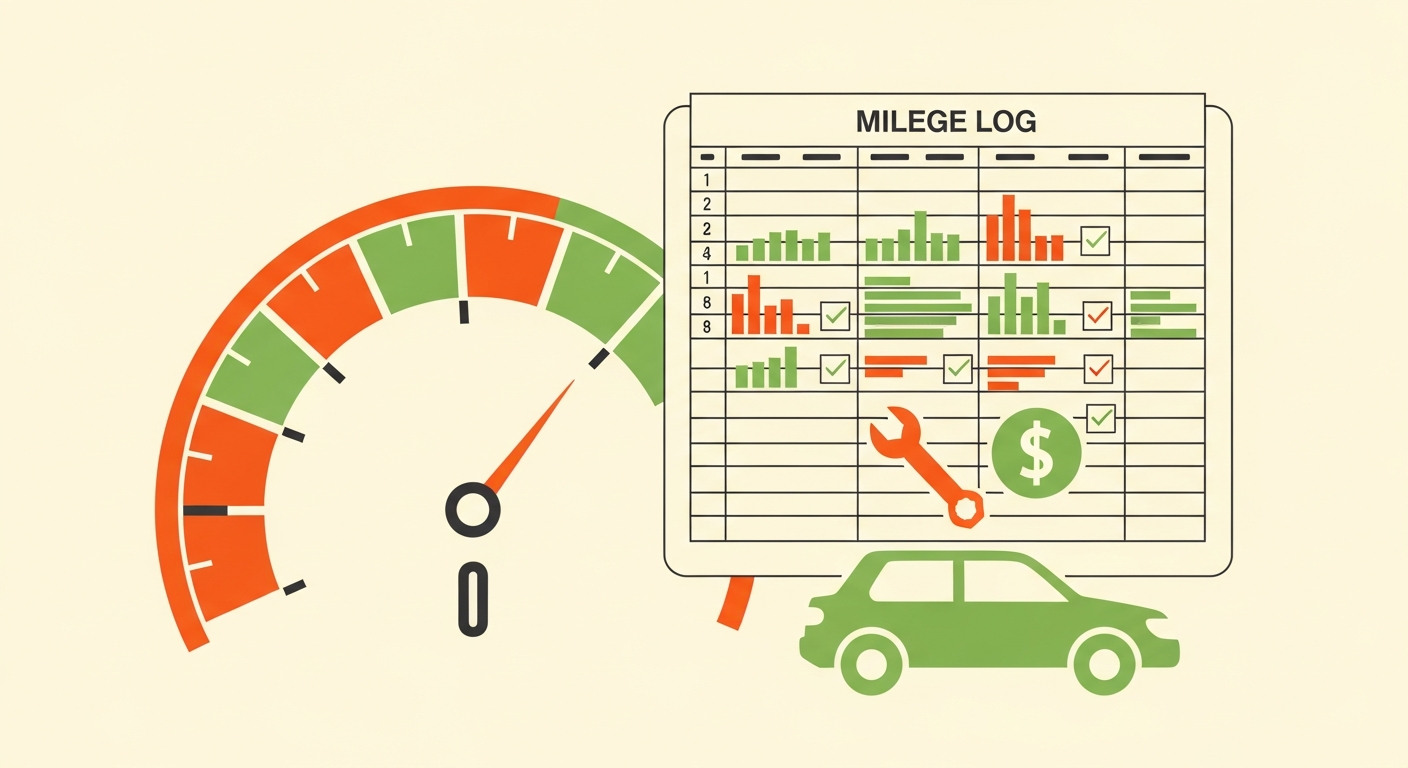
The mileage you track for taxes is the same mileage you need for maintenance scheduling and depreciation estimates. Track it once, consistently, in one place, and three separate decisions get their data from the same log -- instead of the redundant record-keeping most hosts end up doing across a spreadsheet, a maintenance note, and a shoebox of receipts. This Turo mileage tracking app is built around that single-log principle.
What Accurate Mileage Data Actually Feeds
Three things, all from the same entries:
Deductible mileage for tax purposes. Deductible mileage is the business-use mileage that may qualify as a deduction. It only counts if it's documented and clearly separated from personal use -- which is entirely a logging discipline problem, not a data availability problem.
Maintenance interval scheduling. Service intervals are mileage-based. Without a running per-vehicle total, intervals get missed, and missed intervals on a fleet vehicle are how a cheap service becomes an expensive repair. A tracked total is what makes a Turo fleet maintenance schedule actually run on schedule rather than on memory.
Depreciation and utilization. Mileage is the biggest driver of a vehicle's value loss, and it feeds the utilization rate -- the share of available days a vehicle is actually booked -- that the Turo depreciation calculator needs to tell you your real cost per trip.
Here's the operational reality: hosts who scramble at tax time or blow through a service interval almost never lack the data. They had it -- scattered across trip records, odometer photos, and memory -- and just never logged it consistently in one place. Reconstructing a year backwards from that is miserable, and the records you end up with are weaker than the ones you'd have captured in seconds at the time.
What the Tracker Needs Per Trip
Per entry, per vehicle:
- Date
- Trip ID (the Turo trip identifier, so entries reconcile against platform records)
- Start and end odometer readings
- Purpose (rental vs. personal vs. maintenance/repositioning)
That's it. Four fields, logged at handoff and return, and every downstream decision has what it needs.
Common Mistakes That Cause Problems Later
Mixing personal and rental mileage without separating it. The most damaging one. If business and personal miles blur together, deductible mileage becomes an estimate rather than a record -- and an estimate is exactly what you don't want if anyone ever asks.
Inconsistent logging that leaves gaps. A log with holes in it is weaker than no log at all in some respects, because the gaps are visible. Consistency matters more than precision.
Skipping odometer reconciliation. Odometer reconciliation means checking your logged readings against Turo's own trip mileage records. Discrepancies are far easier to explain when caught the same week than a year later.
A Good Log vs. a Vague One
| Field | Well-kept entry | Vague entry |
|---|---|---|
| Date | 2026-03-14 | "March" |
| Trip ID | Specific Turo trip ID | (blank) |
| Start odometer | 42,180 | (not recorded) |
| End odometer | 42,610 | (not recorded) |
| Purpose | Rental trip | "driving" |
| Result | Defensible, reconcilable, feeds maintenance and depreciation | Guesswork; hard to defend, useless for maintenance intervals |
The difference between these two rows takes about twenty seconds per trip to capture. That's the whole trade.
FAQ
Does it replace IRS-compliant mileage logging requirements?
No. It's a logging tool to help you maintain your own records, not a guarantee of compliance. Specific deduction eligibility and required documentation format should be confirmed with a tax professional -- see Turo host tax deductions for the general landscape, and use proper host business bookkeeping software for your actual books.
Does it sync with Turo's own trip data?
It's built around logging trip IDs and odometer readings so your records reconcile against platform trip mileage. Do that reconciliation regularly rather than assuming the two match -- catching a discrepancy early is the entire point.
Does it work across a multi-vehicle fleet?
Yes. Entries are per-vehicle, so each car carries its own running total for maintenance intervals and its own mileage picture for depreciation. That per-vehicle separation is what a fleet needs and what a single shared spreadsheet usually loses.
Start Logging
Four fields per trip is the whole system. Start with the Turo mileage tracking app on your very next handoff, log consistently rather than perfectly, and once you've got a few weeks of real data, run it through the Turo depreciation calculator to see what your vehicle actually costs you per trip.