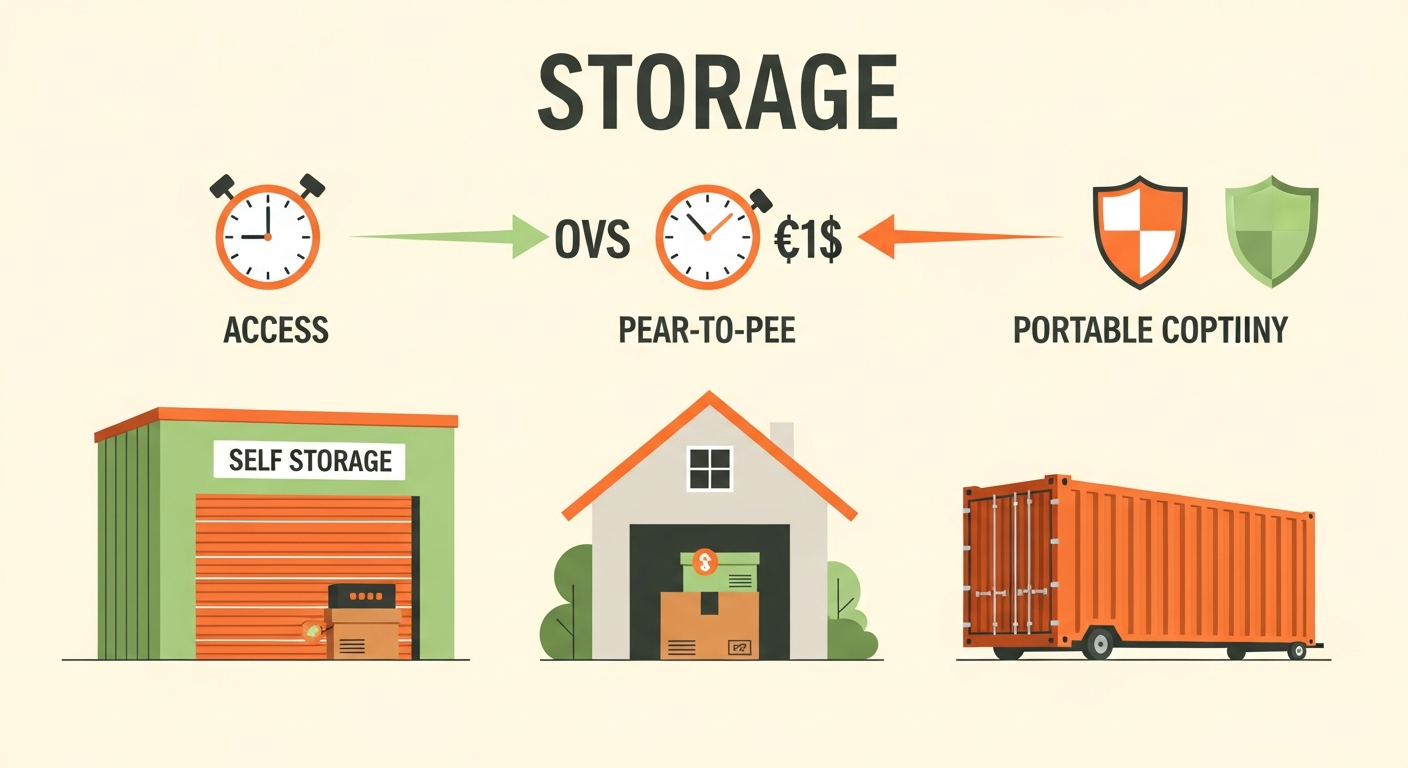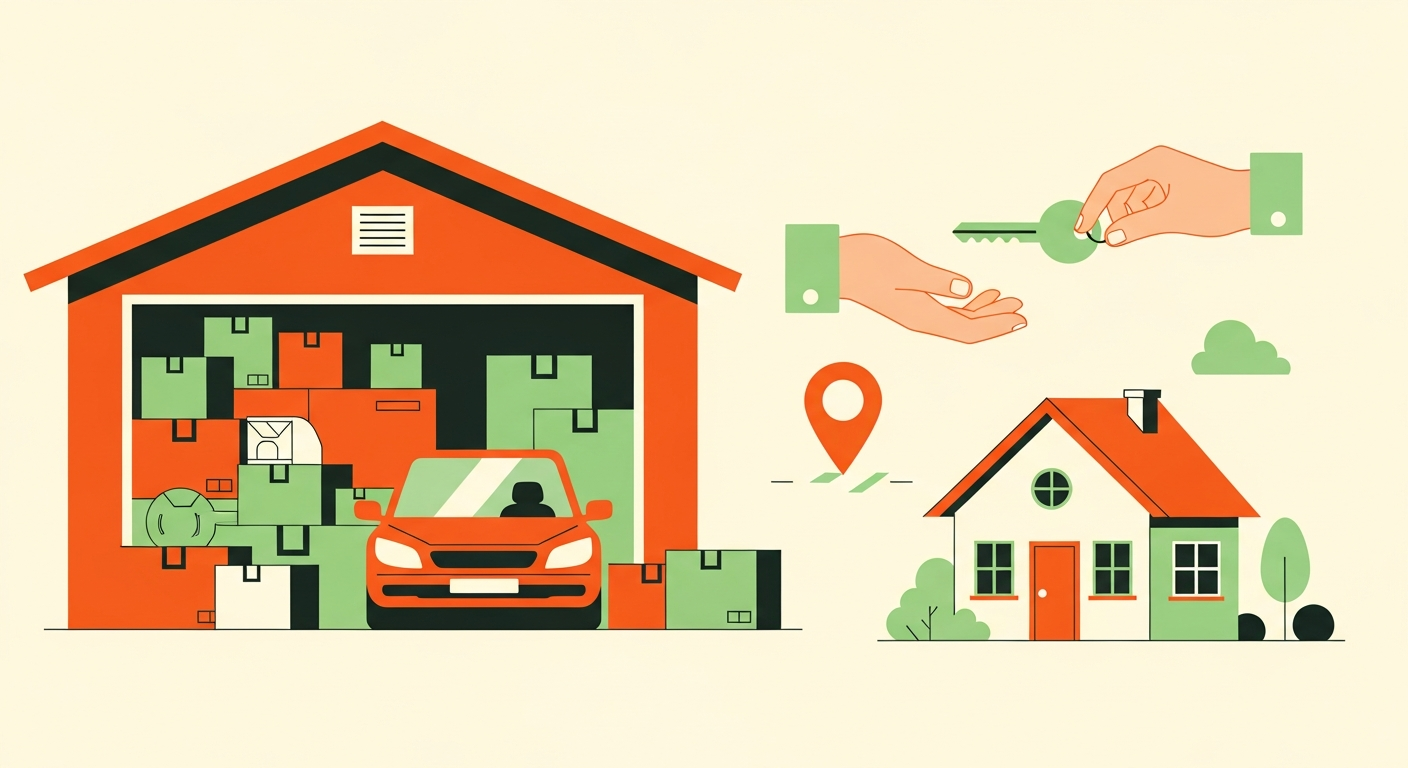
[B1] Peer-to-peer storage means renting space in someone's garage, driveway, basement, or spare room rather than a unit at a traditional self-storage facility. It's usually cheaper and often closer to home, but because you're dealing with a person instead of a company, a few things work differently. This guide walks through how Neighbor storage works end to end -- finding a space, vetting a listing, booking, access, and what happens if something goes wrong.
|||
[B2] If you're comparing it to a storage facility and feeling unsure about putting your belongings in someone's garage: that's a reasonable instinct, and this guide addresses it directly rather than glossing over it. The short version is that the platform's protections and a listing's track record are what make the difference, and both are checkable before you book.
|||
[B3] ## How the Platform Matches You With a Space
|||
[B4] You search by location and the platform shows available spaces near you -- which is where the first real advantage shows up, since renting storage space near me usually turns up options within a few minutes' drive rather than a facility on the edge of town.
|||
[B5] The filters that actually matter:
|||
[B6] Space type. Garage, driveway, basement, spare room, RV pad, warehouse. Match this to what you're storing. A driveway space for a boat and a climate-controlled room for furniture are entirely different products.
|||
[B7] Size. Listings specify dimensions. Measure what you're storing before you search -- more on this below, because size mismatches are the most common first-timer problem.
|||
[B8] Access hours. Access hours are the times a host allows you to reach your belongings. This varies enormously between listings and is the single biggest operational difference from a facility. Some hosts offer 24/7 access, others require notice or restrict access to certain windows. If you need frequent access, filter for it.
|||
[B9] Features. Climate control, security cameras, gated access, ground-level entry.
|||
[B10] If you're storing a vehicle specifically, the considerations shift toward access route and maneuverability -- a Neighbor vehicle storage renter guide covers that use case in more depth.
|||
[B11] ## What to Check on a Listing Before You Book
|||
[B12] Here's operator-level insight a typical consumer guide won't tell you: a listing's details signal how reliable the host is likely to be, and reading those signals correctly is most of what separates a smooth rental from a frustrating one.
|||
[B13] Host rating and review history. A host with many positive reviews over time is running this seriously. Skim the reviews for mentions of access reliability and communication -- those are what actually matter month to month.
|||
[B14] Response rate and communication. A host who responds quickly to inquiries is one who'll respond when you need something. Message them a question before booking; the speed and clarity of the answer tells you a lot.
|||
[B15] Clear access instructions. This one is underrated. A listing that specifies exactly how you get in -- gate code, which door, where to park -- reflects a host who has thought their operation through. A vague listing usually means friction later.
|||
[B16] Photos of the actual space. Clear, well-lit photos of the real space, not just a flattering angle. If the photos don't show you what you're getting, ask.
|||
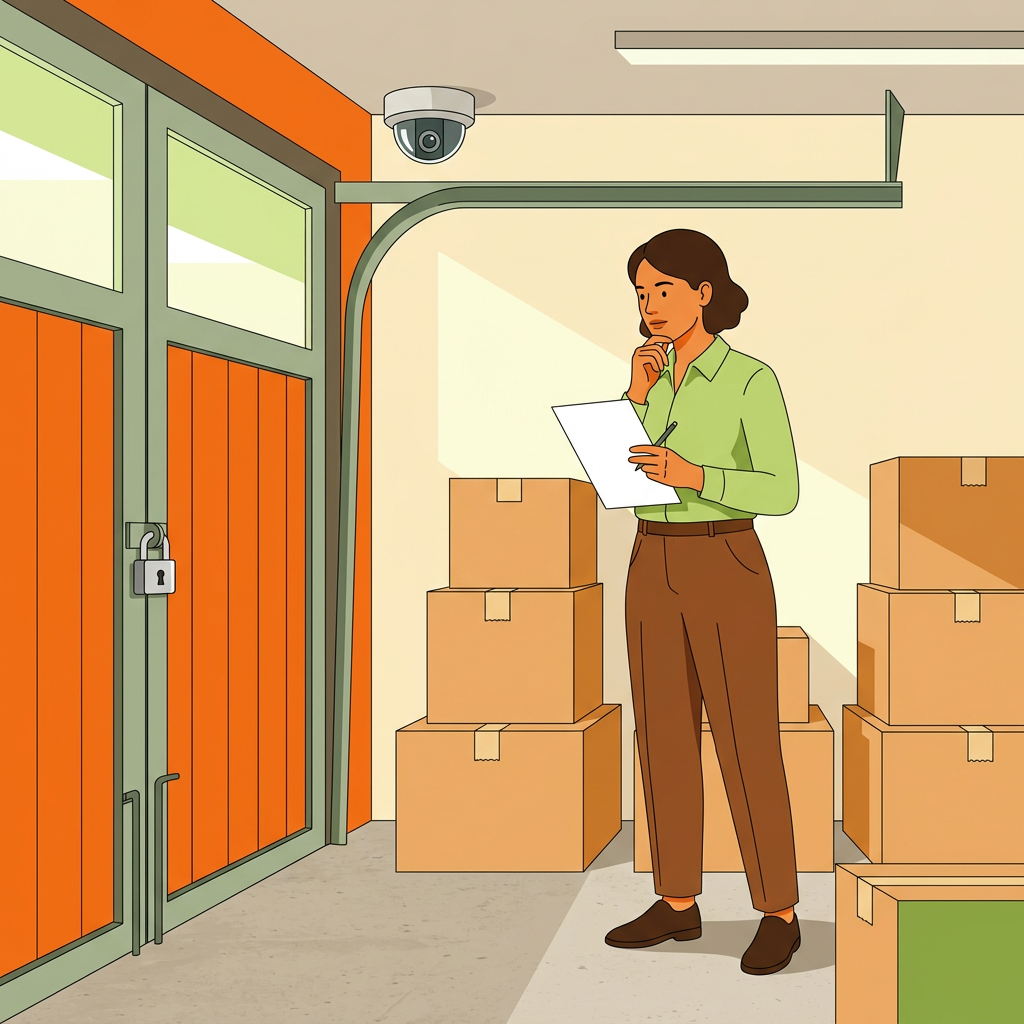
[B17] Security features. Cameras covering the access point, gated entry, locks. Well-run listings disclose these.
|||
[B18] Neighbor renter reviews covers how to read review patterns in more depth, and Neighbor storage safety tips covers protecting your belongings once you've booked.
|||
[B19] ## The Pre-Booking Checklist
|||
[B20] 1. Measure your belongings, including the largest single item. 2. Confirm the space's dimensions accommodate them, with room to maneuver. 3. Verify access hours match how often you'll actually need to get in. 4. Confirm the access route works for your vehicle if you're moving large items. 5. Check the host's rating and review history. 6. Read the security features listed. 7. Confirm climate control if you're storing anything sensitive to heat, cold, or humidity. 8. Read the cancellation policy. 9. Message the host with any question and gauge the response. 10. Check the all-in price including fees.
|||
[B21] ## Payment, Access, and Move-In
|||
[B22] Payment. Booking and payment run through the platform, on a recurring monthly basis for ongoing storage. There's a processing fee -- a percentage the platform takes as part of the transaction -- reflected in what you pay. Specific pricing, fees, and terms vary by listing and change over time, so confirm the actual numbers at booking rather than relying on a general figure.
|||
[B23] Access. Once booked, you coordinate with the host on move-in and ongoing access according to the listing's stated access hours. Good hosts provide clear instructions upfront; if yours doesn't, ask before move-in day rather than discovering the problem with a truck full of furniture.
||| [B24] Move-in. Confirm timing with the host, verify the access route works for whatever you're using to move, and photograph your items and the space's condition as you move in. That last step takes two minutes and is genuinely useful if any question ever arises about condition. ||| [B25] Protection. Neighbor includes a host guarantee -- protection covering certain damage and loss scenarios, subject to specific terms and limits. Read what it actually covers rather than assuming it blankets everything, and consider whether high-value items warrant your own coverage. Terms change, so check the current ones. ||| [B26] ## How It Compares to Traditional Self-Storage ||| [B27] An honest comparison, since both have real advantages: ||| [B28] Price. Peer-to-peer storage is typically cheaper, often meaningfully so. Individual hosts don't carry a facility's overhead. ||| [B29] Location. Usually closer. You're renting from someone in a neighborhood, not a commercial zone. ||| [B30] Access hours. This is where facilities often win. A self-storage facility offers predictable, standardized access hours; a peer-to-peer space depends on what an individual host allows. If you need to get in at odd hours frequently, check this carefully before booking. ||| [B31] Security. Facilities offer standardized security -- gates, cameras, on-site staff. Peer-to-peer varies by listing: some spaces are in secure private garages that are arguably safer than a facility unit, others are open driveways. Read the specific listing rather than generalizing about the model. ||| [B32] Consistency. A facility delivers a uniform product. Peer-to-peer quality varies by host, which is exactly why the listing vetting above matters. Peer-to-peer storage vs U-Haul breaks the comparison down further against a specific facility option. ||| [B33] ## If Something Goes Wrong ||| [B34] Access problems. Message the host through the platform first -- most access issues are simple misunderstandings resolved in a text. Keep communication in-app so there's a record. ||| [B35] Damage or loss. Report it through the platform promptly. The host guarantee has specific terms, limits, and a reporting timeline, so acting quickly matters. Those move-in photos become useful here. ||| [B36] A dispute with the host. Keep everything within the platform and involve support if you can't resolve it directly. The in-app record is why that earlier advice pays off. ||| [B37] The reassuring reality: the habits that prevent nearly all problems are the boring ones -- book a well-reviewed host, confirm access hours before you commit, photograph things at move-in, and keep communication in the app. ||| [B38] ## FAQ ||| [B39] Is peer-to-peer storage safe? It can be as safe as a facility, and sometimes safer -- a locked private garage isn't obviously less secure than a unit in a large facility. What matters is the specific listing: its security features, and the host's track record. Vet those rather than judging the model as a whole. ||| [B40] How much cheaper is Neighbor than self-storage? Typically meaningfully cheaper, since individual hosts don't carry facility overhead. The exact difference varies by market, space type, and listing, so compare actual all-in prices for comparable spaces near you rather than relying on a general figure. ||| [B41] Can I access my stuff whenever I want? It depends entirely on the listing's access hours. Some hosts offer 24/7 access; others restrict it or require notice. This is the biggest operational difference from a facility, so confirm it before booking if frequent access matters to you. ||| [B42] What if my belongings get damaged or stolen? Neighbor's host guarantee covers certain scenarios subject to specific terms and limits. Report issues promptly through the platform. For high-value items, check whether the coverage limits actually match what you're storing, and consider your own insurance if they don't. ||| [B43] What's the biggest mistake first-time renters make? Not measuring properly, and not checking access hours. Both are entirely preventable. in five minutes before booking and both are painful to discover on move-in day. ||| [B44] ## The Takeaway ||| [B45] How Neighbor storage works comes down to this: you're renting space from a person rather than a facility, which usually means a better price and a closer location, in exchange for needing to vet the specific listing yourself. Measure first, check access hours, book a well-reviewed host, and photograph everything at move-in -- do those four things and it's as straightforward as a traditional facility. ||| [B46] One last aside: a fair number of people who rent storage this way eventually look around their own garage and realize they're sitting on the other side of the same transaction. If that thought ever crosses your mind, the Neighbor.com host earnings guide is where the host side of Sharing Economy starts.