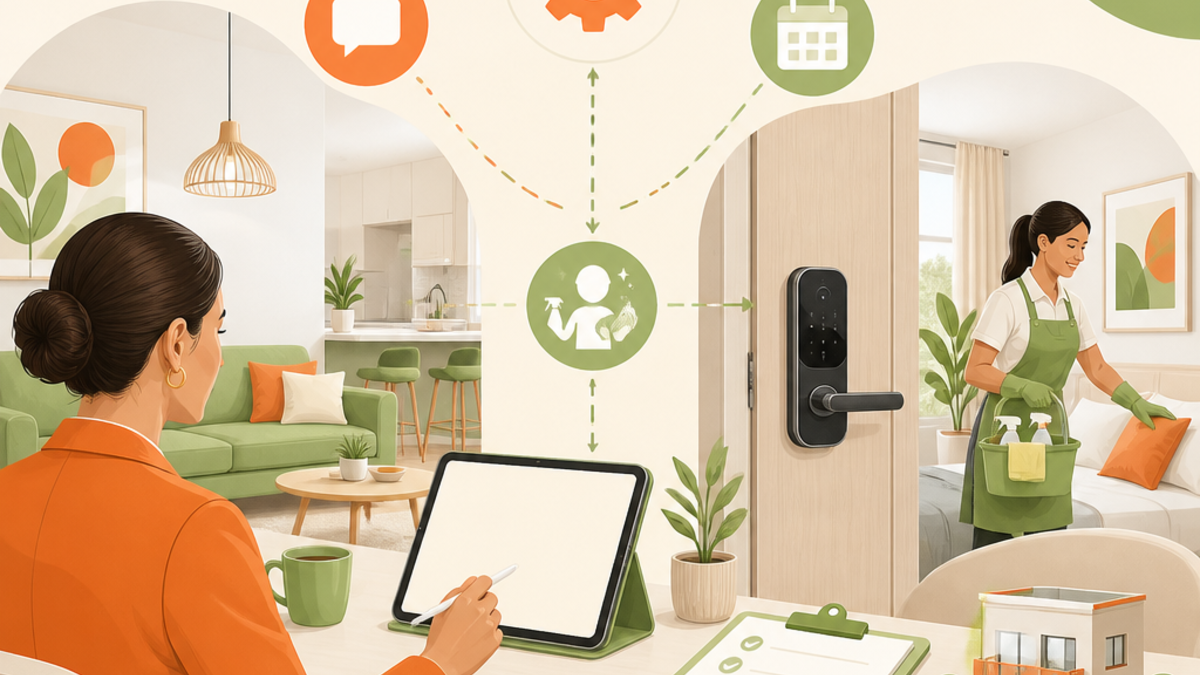
A smart lock, a pricing engine, and a messaging bot each solve one piece of running a property. The real operational win isn't adding a fourth tool -- it's connecting the pieces you have into a single workflow with clear human checkpoints where automation shouldn't be trusted alone. This article maps that full workflow end to end, names the specific points where tool integration matters most, and is honest about where automation fails without oversight.
This assumes you've read the Airbnb host automation stack piece and have individual tools running. This is about the systems layer that connects them.
The Full Workflow, End to End
A booking passes through five stages, and each has a typical automation layer and a typical human-check requirement.
Booking confirmation. Automated: instant confirmation message, calendar block, payment processing. This stage is fully automatable and rarely needs a human touch -- it's transactional and low-judgment.
Pre-arrival messaging. Automated: scheduled messages with check-in instructions, sent at a set interval before arrival. Human check: worth a glance if the guest's initial inquiry or booking notes flagged anything unusual (a special request, an odd party size) that the automated sequence wouldn't know to address.
Self-check-in. Automated: smart lock generates a per-booking code, access instructions send automatically. Human check: none needed for a routine arrival, but this is the stage most likely to generate an urgent message if something goes wrong (a code that doesn't work, a guest who can't find the entrance), which is why monitoring matters here specifically.
Mid-stay. Automated: a scheduled check-in message, template responses to common questions. Human check: this is where judgment starts mattering. A guest asking about the wifi password is templated; a guest reporting the heat isn't working is not, regardless of how the message is phrased.
Checkout and post-stay. Automated: checkout instructions, review request. Human check: reviewing anything the automated flow flagged as off-script, and monitoring for post-checkout damage or issue reports.
The workflow, once mapped, makes the pattern obvious: the automatable stages are transactional and predictable; the stages needing a human are the ones where something deviates from the expected pattern. The goal isn't automating everything -- it's automating the predictable and building a reliable handoff to a person for the rest.
Where Integration Between Tools Matters Most
Individual tools working well in isolation isn't the same as a workflow working well together, and the gaps between tools are where real operational risk concentrates.
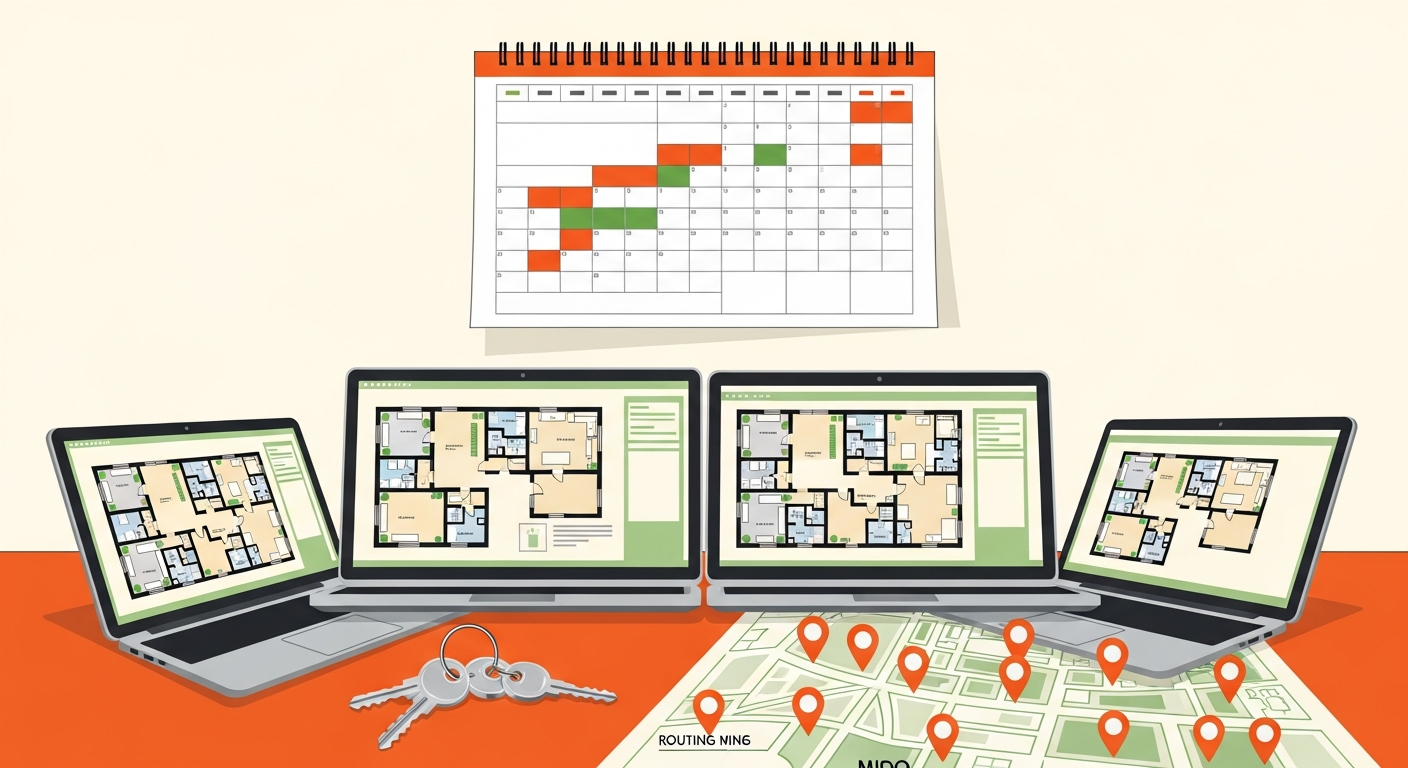
Pricing tool to booking calendar. This is the highest-stakes integration point. A pricing tool that doesn't sync in real time with your booking calendar creates two distinct risks: overbooking (the pricing tool doesn't know a date just booked and keeps it open elsewhere) or missed rate changes (a rate update doesn't propagate to where guests actually see it). Confirm this integration is genuinely real-time, not periodic -- tool integration capabilities change over time, so verify current sync behavior against vendor documentation rather than assuming.
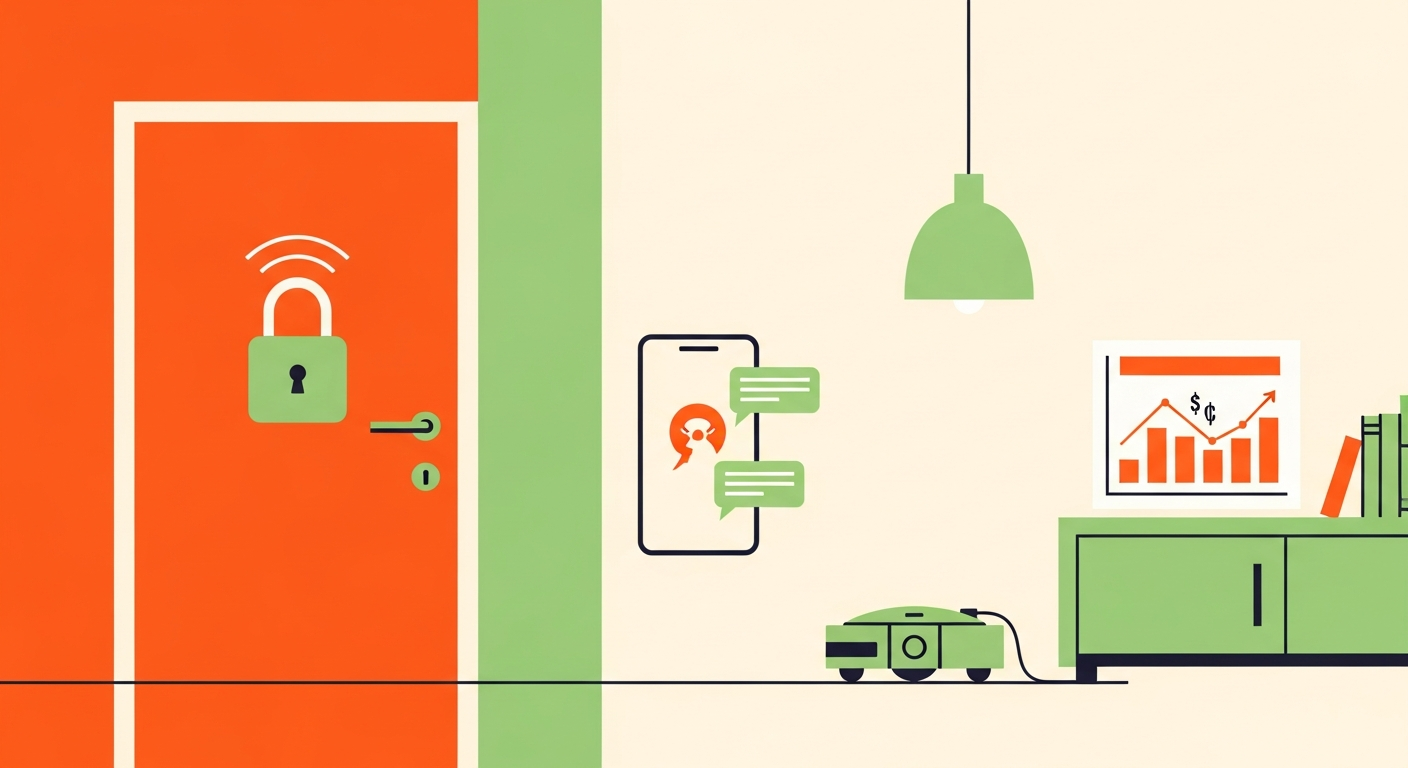
Lock system to booking system. The smart lock needs to know a booking exists to generate a code, and needs to know when it ends to expire that code. A break here means either a code that doesn't work for a legitimate guest, or worse, a previous guest's code still active after checkout.
Messaging system to booking data. Automated messages need accurate, current booking details (dates, guest count, any notes) to send correctly. A messaging tool operating on stale or disconnected data sends confidently wrong information, which is worse than sending nothing.
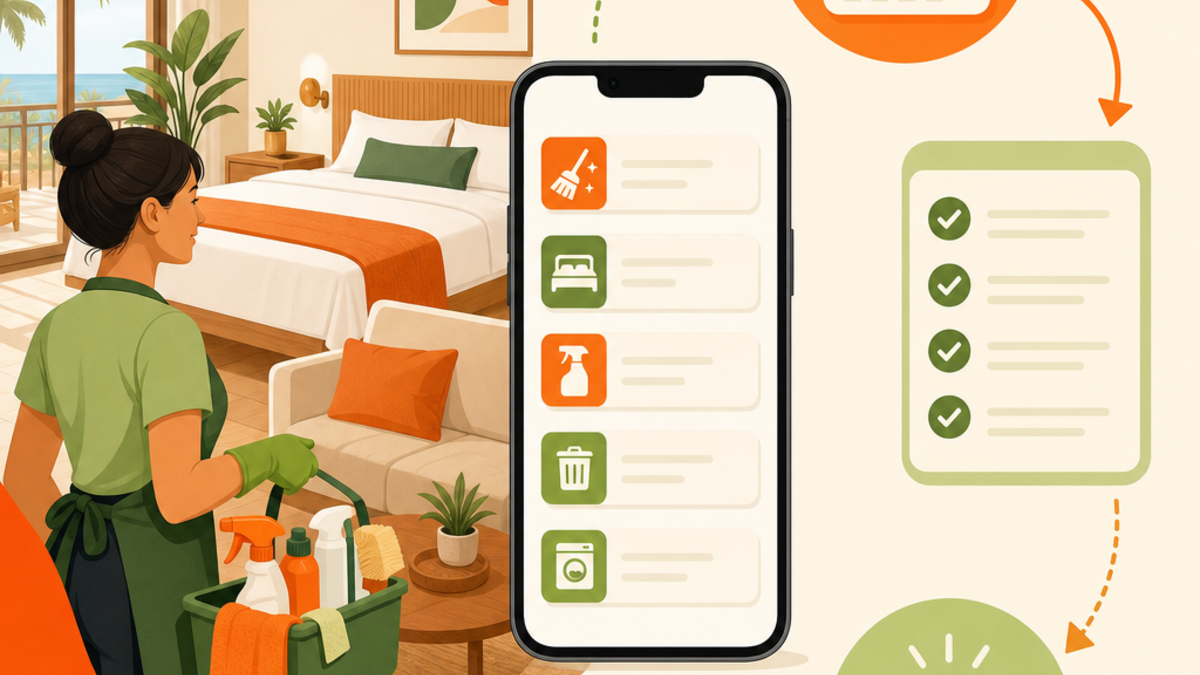
Cleaning coordination to checkout confirmation. Turnover scheduling needs to know checkout actually happened, not just that it was scheduled to. A gap here means a cleaner arriving to a still-occupied unit, or not being notified at all.
The pattern: every integration point is a place where one tool's output has to become another tool's trustworthy input. Test these handoffs directly rather than assuming they work because each tool individually functions -- run a real booking through the full chain and watch each transition, don't just check that each tool's dashboard looks fine on its own.
Where Human Judgment Stays the Final Checkpoint
Three categories of situation should never be left to full automation, regardless of how sophisticated your tools are.
Unusual guest situations. A request or circumstance outside the templated flow -- a genuine emergency, an unusual complaint, a situation with legal or safety implications. Automated messaging can handle the routine; it can't exercise judgment on something it wasn't built to recognize as atypical.
Maintenance emergencies. Anything requiring a real decision about urgency, cost, or whether to involve a vendor immediately. A pipe leak, a lockout, a safety issue. These need a person evaluating severity and directing a response, not a scripted reply.
Review disputes and serious complaints. Anything with reputational or relationship stakes -- a guest dispute, a review you'd want to respond to carefully, an issue that could escalate. These deserve a considered human response, not an automated one.
The dividing principle: automate the predictable, keep a person on anything where the situation is genuinely variable or the stakes of getting it wrong are high. A missed automated "here's your wifi password" reply costs nothing. A missed emergency costs a lot.
Worked Scenario One: A Smooth Automated Workflow
A routine weekend booking at a well-set-up property.
- Booking confirms instantly, calendar blocks automatically, no risk of double-booking because the calendar sync is genuinely real-time.
- Three days out, pre-arrival messaging sends automatically with check-in instructions. Nothing about the booking flagged anything unusual, so no human review needed.
- Check-in day, the smart lock generates a fresh code tied to the booking, sent automatically. The guest arrives, the code works, no message needed.
- Mid-stay, a scheduled check-in message goes out. The guest replies with a simple wifi question, answered by a templated response.
- Checkout, automated instructions send, the lock code expires automatically at checkout time, and the cleaning tool receives a checkout-confirmed signal and dispatches the cleaner.
- Post-stay, a review request sends automatically.
The read: this booking required zero human intervention beyond a glance at the initial booking notes and a passive check that nothing in the mid-stay message needed attention. This is what a genuinely integrated system delivers -- not the absence of any human role, but a human role that's small, passive, and reserved for exceptions. Every automated stage here worked because the handoffs between tools were tested and reliable, not because the tools happened to work independently.
Worked Scenario Two: Where Automation Alone Failed
The same setup, a different booking.
- Booking confirms, calendar blocks, standard flow.
- Check-in day, the smart lock generates a code, but the guest arrives to find the code doesn't work -- an integration hiccup between the booking system and the lock that went uncaught.
- The guest messages, understandably frustrated, at the property, unable to get in.
- The automated messaging system, built for routine questions, has no template for "I'm locked out and the code doesn't work" that does anything more useful than restating the (non-working) instructions. The guest gets a repeated, unhelpful automated reply while standing outside.
- No monitoring flagged this as urgent. There was no alert distinguishing "a message came in" from "a message came in that indicates an active emergency." The message sat in a queue like any other until someone happened to check.
- By the time a human saw it and responded, the guest had been locked out for an uncomfortable stretch, called support, and left frustrated -- reflected in the review.
What would have caught it: an alert system that flags certain keywords or patterns (lockout, emergency, not working) for immediate human notification rather than treating every message identically. A tested lock-to-booking integration would have prevented the root cause; a monitoring layer would have caught the symptom fast even without preventing the cause.
The read: this is the exact failure mode of over-trusting automation without a monitoring layer underneath it. The automated messaging did exactly what it was built to do -- reply automatically -- which was precisely the wrong behavior for this situation. The fix isn't less automation; it's a checkpoint that recognizes when automation isn't the right response and routes to a human fast.
Building Monitoring So Failures Get Caught Quickly
The lesson from scenario two generalizes: automation needs a monitoring layer watching for its own failures, not just for guest issues.
Alert on deviation, not on volume. Don't get notified for every message -- get notified for messages that pattern-match to urgency (specific keywords, repeated messages in a short window, a message arriving outside the automated flow's expected sequence). This is what separates useful alerting from noise you'll learn to ignore.
Check the handoffs periodically, not just at setup. Integrations that worked when configured can silently break after a tool update. A periodic manual test -- book a test stay, walk it through the full workflow -- catches drift before a real guest does.
Set a maximum silent-failure window. Decide how long an automated system can go without a check before you'd want to know if it's broken, and build a check into your routine at that interval. Don't let "it's automated" become "I never look at it."
Distinguish routine automation confirmation from exception alerts. You want to know quickly when something's off-script; you don't want to be paged for every routine confirmation. Structuring this well is what makes a mostly-automated property genuinely low-effort rather than secretly high-anxiety.
The Workflow Map
Pre-arrival. Confirmation, calendar block, instruction messages. Any flagged unusual request in the booking notes Arrival / check-in. Code generation, access instructions. Lockouts, access failures, anything off-script During stay. Scheduled check-ins, templated Q&A. Maintenance issues, complaints, anything non-routine Checkout. Instructions, code expiration, cleaning dispatch trigger. Confirmation the checkout-to-cleaning handoff actually fired Post-stay. Review request. Damage reports, disputes, anything requiring a considered response
The right-hand column is short by stage but non-negotiable in aggregate -- it's the checklist of exactly where a person needs to stay in the loop regardless of how mature your automation gets.
Common Mistakes
Assuming full automation means no oversight needed at all. The core misconception behind scenario two. Automation reduces the frequency of needed human involvement; it doesn't eliminate the need for a monitoring layer that catches when automation itself fails or when a situation exceeds what it was built to handle.
Connecting tools without testing the actual handoffs. Each tool functioning correctly in isolation doesn't guarantee the handoff between them works. Run a real test booking through the full chain periodically, watching each transition specifically, rather than trusting that individually-working tools sum to a working system.
Over-automating guest messaging until exceptions get generic replies. A messaging system tuned entirely for the routine case will confidently mishandle the exceptional one, as in scenario two. Build in explicit detection for situations that should route to a human rather than assuming the templated flow gracefully degrades -- it usually doesn't.
No alerting for automation failures specifically. Monitoring guest satisfaction is necessary but insufficient; you also need to know when a specific automated handoff broke, ideally before a guest experiences the consequence rather than after.
Treating this as a one-time setup. Integrations drift as tools update. Periodic testing, not a one-time configuration, is what keeps the workflow reliable over time.
Frequently Asked Questions
How much oversight does a "mostly automated" property realistically still need per booking?
For a routine booking with a well-tested workflow, often just a brief glance at booking notes and passive attention to any mid-stay message -- a matter of minutes. The real time cost concentrates in the exceptions: the lockout, the maintenance issue, the unusual request. Budget your time expectation around handling exceptions well, not around the routine bookings, which should genuinely need very little from you.
How do I structure alerts so I'm not constantly manually monitoring everything?
Alert on pattern, not volume -- flag messages containing urgency-indicating language, repeated messages in a short window, or anything arriving outside the expected automated sequence, and let routine confirmations pass silently. This is the difference between a monitoring system you'll actually respond to and one you'll learn to ignore because it pages you for everything.
What's the single highest-risk integration point in a typical workflow?
Pricing-to-calendar sync, because a failure there creates overbooking risk -- one of the most damaging and visible failures a host can have. Verify this integration is genuinely real-time and test it directly rather than assuming, since Airbnb revenue management tools and calendar systems don't always sync as tightly as their marketing suggests.
Should I automate guest screening as part of this workflow?
It can fit in at the booking stage, filtering inquiries before they reach a full booking -- see Airbnb guest screening automation for that specific layer. Like messaging, it should route edge cases to a human decision rather than auto-declining or auto-accepting everything, since screening judgment calls carry real consequences either direction.
How do I know if my tools' integrations still work after a vendor update?
Test periodically with a real booking walked through the full chain, since integration capabilities and behavior change over time and a working setup can silently break after either vendor updates their product. Don't rely on each tool's individual dashboard looking fine -- that doesn't confirm the handoffs between tools still function.
Does this level of automation make sense for a single property?
The core pieces (lock, basic messaging automation) are worth it even at one property, since they reduce your baseline workload regardless of scale. The full integrated-workflow thinking in this article matters more as you add properties, since that's when disconnected tools and missed handoffs become genuinely costly rather than a minor inconvenience -- see Airbnb multi-unit management software for that scale.
What happens to guest experience quality when automation fails silently?
It degrades in exactly the way scenario two shows -- a guest stuck in a bad situation getting confidently unhelpful automated responses, with no human catching it until real damage (frustration, a bad review, a support escalation) has occurred. This is precisely why monitoring for automation failure matters as much as monitoring for guest issues -- the two are connected, but distinguishable.
The Takeaway
Airbnb property management automation earns its value from how tools connect into a workflow, not from how many individual tools you've added -- and the specific integration points (pricing-to-calendar, lock-to-booking, checkout-to-cleaning) are where real risk concentrates if untested. Automate the predictable stages fully, keep a human checkpoint on anything genuinely variable or high-stakes, and build monitoring that catches automation's own failures fast rather than assuming a working tool means a working handoff. Test the full chain periodically, not just at setup -- that's the discipline that separates a smoothly automated property from one where a silent failure turns into a bad review before anyone notices.