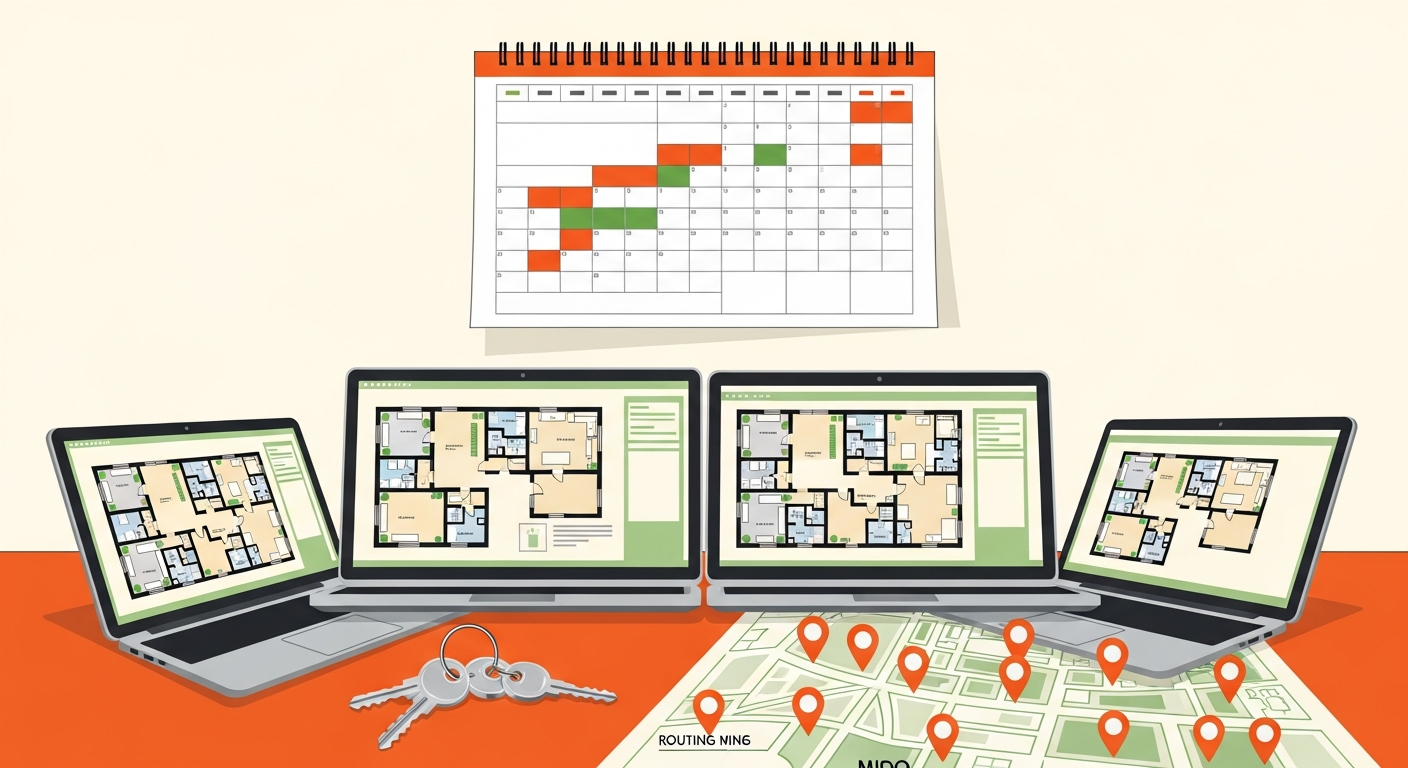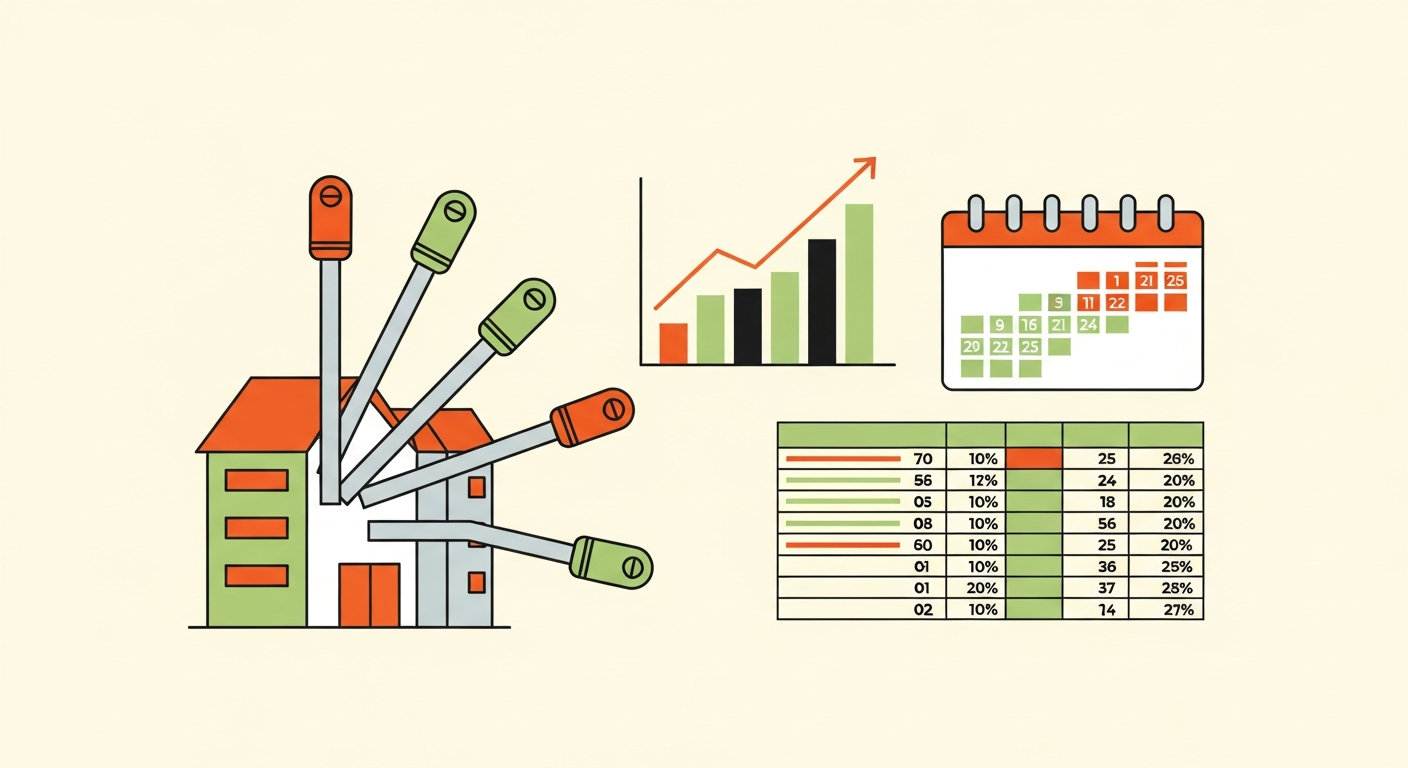
Most missed renewals aren't caused by not knowing a deadline exists. They happen because the tracking system wasn't built to survive turnover, distraction, or portfolio growth. A reminder that lived in one person's head, or in a single calendar entry nobody revisits, works until the day it doesn't. This article covers what a resilient STR license renewal reminder system actually looks like, how to build one, and how it needs to scale from one property to many jurisdictions.
This assumes you've read the short-term rental compliance checklist pillar. One point repeated throughout because it matters: renewal cycles, required lead times, and consequences for a lapsed license vary significantly by jurisdiction and must be confirmed with each local licensing authority, not assumed from the general patterns described here.
Why a Single Reminder Fails
The usual setup is a mental note, or one calendar entry created when the license was issued. Both decay in predictable ways.
Calendar entries get orphaned. Apps change, accounts get replaced, and an entry created years ago on a personal calendar may not follow you to a new phone or workspace.
Reminders get dismissed. A notification that arrives on a busy day gets swiped away with the intention to handle it later. Later doesn't come with any built-in follow-up.
Knowledge leaves with people. If one person knows which license renews when, and that person leaves, goes on vacation, or simply forgets, the institutional knowledge goes with them. Nothing in the system catches the gap.
Portfolios outgrow memory. What works for one property collapses once renewals stagger across several properties and jurisdictions.
The pattern across all four: the failure isn't ignorance of the deadline. It's a system with a single point of failure.
What a Resilient System Needs
Three properties, each solving one of those failure modes.
A centralized record independent of anyone's memory. One shared document or tracker holding every license, its jurisdiction, and its deadline. It should live somewhere more than one person can access, and it should be the source of truth rather than a personal calendar.
Built-in lead time. Lead time is the buffer between when you start the renewal process and the actual deadline. Reminders should fire well before the deadline, early enough to absorb delays, missing documents, or an inspection that needs scheduling. A reminder set for the deadline date itself is a reminder that arrives too late to act on.
A clear owner for each renewal. Every jurisdiction's renewal has one named person responsible, plus a named backup. Ownership converts a shared concern that everyone assumes someone else handles into a task with a name on it.
Add a fourth habit: a periodic review of the whole tracker, monthly or quarterly, so errors and stale entries get caught rather than discovered at a deadline.
Renewal Cycles and Lead Time Differ by Jurisdiction
A renewal cycle is the recurring period after which a license must be renewed, and it varies. Some jurisdictions renew annually, some on longer cycles, some on fixed calendar dates for everyone, others on the anniversary of issuance.
Required lead time differs too. Some authorities accept renewals close to the deadline; others require applications weeks ahead, or open a renewal window only during a specific period. A single reminder rule, such as thirty days before every deadline, fits some jurisdictions and fails others.
Grace periods are not something to plan around. A grace period is a window after the deadline during which late renewal may still be accepted, often with a penalty. Whether one exists, and how long it lasts, varies by jurisdiction, and in some places there is none. Treat the deadline as the deadline.
Build jurisdiction-specific lead times into your tracker rather than applying one default. Confirm each with the local authority, and revisit them, since rules change. A STR zoning law tracker approach helps you notice when rules shift.
Gather Documentation Early
Renewal trouble is often a documentation problem rather than a deadline problem. Scrambling for paperwork at the last minute is how a manageable renewal becomes a missed one.
Documents commonly involved, depending on jurisdiction: - Current insurance proof, which may need to meet local minimums (see STR insurance requirements by state) - Safety compliance records - Tax registration or remittance confirmation - Proof of any required inspection - Identification or business registration details
Start gathering at the beginning of the lead-time window, not at the end. An expired insurance certificate discovered a week before deadline is a solvable problem with lead time and a serious one without it.
If you're handling an initial application rather than a renewal, STR permit application by city covers that process.
Paperwork Renewals vs. Inspection or In-Person Renewals
Not all renewals are equal, and your tracker should record which kind each one is.
Simple paperwork renewals involve submitting forms and fees, sometimes online. Lead time mainly needs to cover document gathering and processing.
Renewals requiring an inspection or in-person visit add scheduling dependencies outside your control. Inspectors have calendars, failed inspections require fixes and re-inspection, and appointments may be booked weeks out. These need substantially more lead time, and the inspection should be scheduled as early as the jurisdiction allows.
Record the type in your tracker, and set lead time accordingly. Treating an inspection renewal like a paperwork renewal is a common way to miss a deadline with every document in hand.
The Renewal Tracking Template
Build this into a shared spreadsheet or task system immediately:
Property. Address or internal name Jurisdiction. City, county, or state authority License type. STR permit, business license, tax registration, etc. Renewal cycle. How often it renews, and whether by fixed date or anniversary Deadline. Exact next date, confirmed with the authority Required lead time. Days or weeks before deadline to start, based on renewal type Renewal type. Paperwork only, or inspection/in-person required Responsible owner. One named person Backup owner. One named person Last completed date. When it was last renewed Documents needed. Checklist for this specific renewal Notes. Fees, portal links, contact at the authority
Set reminders from the lead-time date, not the deadline, and make sure reminders go to both the owner and the backup.
Worked Scenario One: A Single Property
One property, one jurisdiction, one annual renewal.
The system: one row in the tracker, a reminder set well ahead of the deadline with lead time covering document gathering, and a named owner (the operator) with a backup, perhaps a partner or trusted contact who can receive the reminder too.
Why it works: the complexity is low. The value of the system is resilience to the ordinary failures: a dismissed reminder, a replaced phone, a busy week. The shared record and the backup owner are what protect it.
Worked Scenario Two: A Multi-Jurisdiction Portfolio
Eight properties across four jurisdictions, with staggered deadlines, different cycles, and one jurisdiction requiring an inspection.
The complication: four renewal calendars that don't align, four sets of lead-time rules, four authorities, and one renewal with an inspection dependency. No one can hold this in memory.
The system: a tracker with one row per license, renewal type recorded, jurisdiction-specific lead times, and staggered reminders that begin at each renewal's own lead-time date. The inspection jurisdiction gets a much earlier start. Each row has an owner and a backup, and a monthly review sweeps the whole tracker for upcoming items and stale data.
The read: at this scale the system's job changes from remembering a date to managing a pipeline. Some operators adopt dedicated software at this point; sharing economy compliance software vendors covers that decision. Either way, the structure above is what makes it work.
Common Mistakes
Setting the reminder for the exact deadline. Leaves no room for delays, missing documents, or inspection scheduling. Build in lead time.
No backup owner. When the primary person is out, nothing happens. Name a backup and route reminders to both.
Assuming all jurisdictions renew on the same cycle. They often don't. Track each separately.
Treating every renewal as paperwork. Missing that an inspection is required costs weeks.
Never reviewing the tracker. Entries go stale, rules change, and a wrong deadline on file is worse than no entry. Review on a schedule.
Relying on a single personal calendar. The original failure mode. Use a shared, central record.
When a Simple System Is Sufficient
A single-property operator in one jurisdiction with a straightforward annual renewal may need nothing more than a well-set reminder with adequate lead time, stored somewhere shared or backed up, and a named backup person. A full tracker and review process would be overhead for one row.
The trigger to build more is growth: a second jurisdiction, an inspection requirement, or a second person involved. Until then, a simple system done properly is sufficient, provided it still has lead time and a backup.
Frequently Asked Questions
What happens if I miss a renewal deadline?
Consequences vary widely by jurisdiction, from a grace period with a late fee to immediate listing suspension or fines, and in some places operating while lapsed carries serious penalties. Confirm the specifics with each local authority in advance rather than learning them after a lapse. If a deadline is missed, contact the authority immediately and stop accepting bookings if required.
Is dedicated compliance software worth it for just a few properties?
Often not at first. A well-built manual tracker with lead times, owners, and reviews covers a few properties in one or two jurisdictions. Software earns its cost as jurisdictions multiply and the ordinance-monitoring side becomes hard to do by hand.
How much lead time should I build in?
It depends on the jurisdiction and renewal type. Paperwork renewals need time for gathering documents and processing; inspection renewals need much more. Confirm requirements with the authority and err on the early side.
Who should be the backup owner?
Someone who can actually perform or escalate the renewal and who receives the same reminders, such as a partner, co-host, or manager. A backup who never sees the reminders isn't a backup.
Do I need to track more than the STR permit itself?
Yes. Business licenses, tax registrations, and insurance certificates may each have their own renewal dates. Track each as its own row, since they often renew on different cycles.
What if a jurisdiction's renewal rules change?
Rules do change. Periodically recheck each jurisdiction's requirements, and note any changes in the tracker. A STR compliance audit checklist run periodically against each property catches drift.
Can I rely on the licensing authority to remind me?
Some send reminders, but don't depend on it. Notices can go to outdated addresses or emails, and the responsibility to renew stays with you.
The Takeaway
A reliable STR license renewal reminder system is centralized, has built-in lead time set per jurisdiction and renewal type, and names an owner and a backup for every renewal. Build the tracker today, confirm each deadline and requirement directly with the licensing authority, and review it on a schedule so it survives turnover, distraction, and growth.