If you're running more than a handful of listings across Turo, Airbnb, Peerspace, or Neighbor, spreadsheets stop working long before you notice they've stopped working. This guide breaks down every category of sharing economy asset management software, how to evaluate and combine them, what they actually cost, and the mistakes that waste operators the most money. By the end, you'll know exactly which tools your portfolio size actually needs — and which ones are premature.
This isn't a buyer's guide for someone testing the waters with one car or one spare room. It's written for people who already treat their listings as a business: multiple assets, multiple platforms, real revenue on the line, and a growing list of operational headaches that no single platform's native dashboard was built to solve.
What "Asset Management Software" Actually Covers
The phrase gets used loosely, so it's worth being precise. For a sharing-economy operator, asset management software isn't one product — it's a category of tools that each solve a different piece of running assets across platforms. Trying to buy "one thing that does it all" is usually how operators end up either overpaying for an enterprise suite they don't need or under-tooled with a patchwork that breaks under volume.
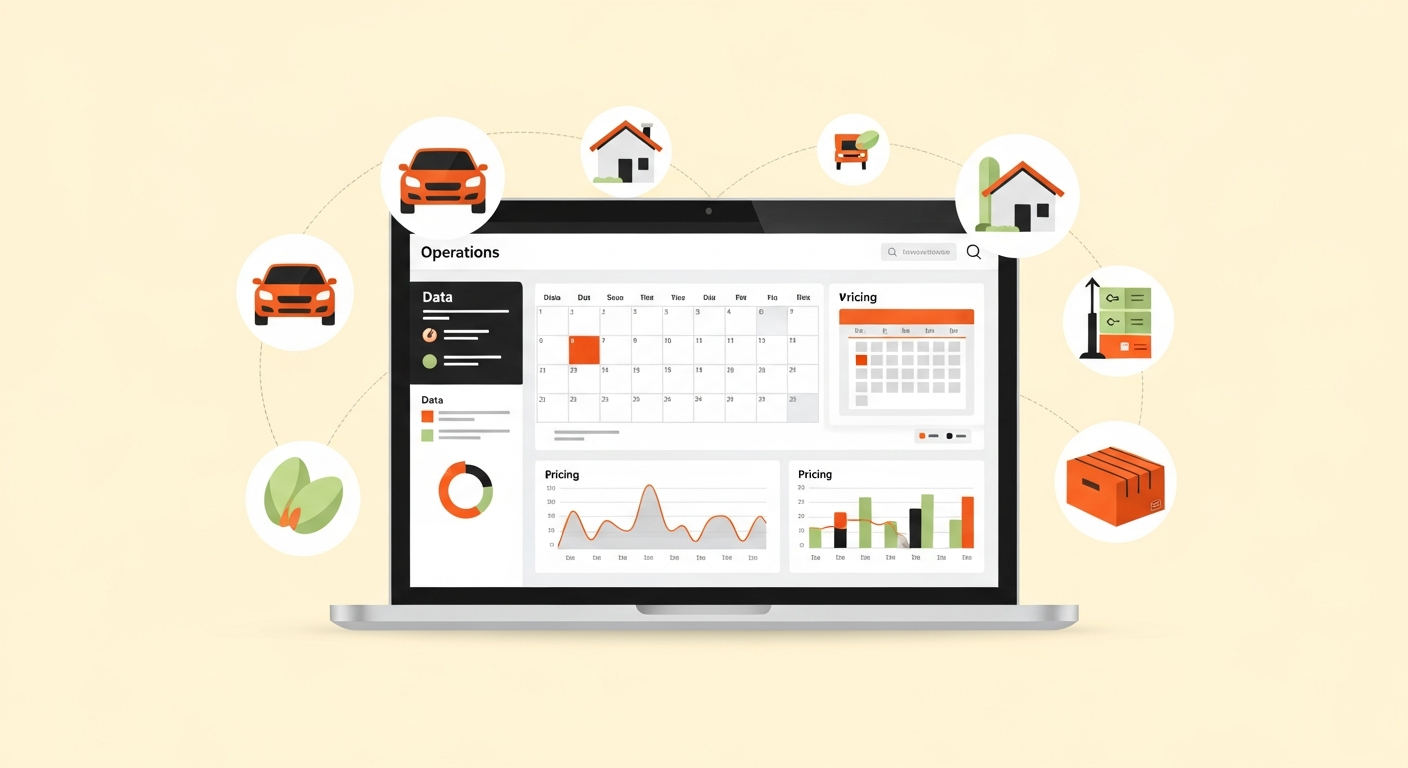
Five functional categories show up again and again in a mature host stack:
Dynamic pricing engines adjust your nightly or daily rate automatically based on demand signals — local events, seasonality, competitor pricing, booking pace. These exist because manual pricing doesn't scale past a couple of listings, and static pricing leaves money on the table during demand spikes and kills occupancy during lulls.
Multi-calendar sync tools (sometimes called channel managers) keep availability consistent across every platform you list on, so a Turo booking blocks that vehicle everywhere else, and an Airbnb reservation doesn't leave your Peerspace listing bookable for the same window. Double-bookings are the single most common failure mode for hosts who scale past one platform without this layer.
Bookkeeping and financial tracking software consolidates payouts, fees, mileage or utility costs, and tax categorization across platforms that each report earnings differently. Generic accounting software wasn't built for platform payout structures; sharing-economy-specific tools were.
Fleet or property management platforms handle the physical-asset side: maintenance scheduling, cleaning turnover, damage documentation, insurance tracking, vehicle or unit-level performance reporting. This is the category most likely to be Turo- or Airbnb-specific rather than platform-agnostic.
Analytics and portfolio dashboards roll data from the categories above into a single view — asset utilization rate, revenue per asset, occupancy trends — so you can make allocation decisions (which asset to keep, which to sell, which market to expand into) instead of just running day-to-day operations.
Most operators start with one or two of these and add more as the portfolio grows. Almost nobody needs all five on day one.
How to Evaluate Asset Management Software
Before comparing specific tools, evaluate against four criteria that matter more than feature lists:
Platform coverage. Does it actually support the platforms you're on, or just the platform it was originally built for? A lot of tools marketed as "multi-platform" started as single-platform products and bolted on integrations later — those integrations are often the least reliable part of the product. Ask specifically about API integration depth (the technical connection that lets two systems exchange data automatically) rather than just a checkbox that says "supports Airbnb."
Data portability. Can you export your data cleanly if you switch tools later? Vendor lock-in is a real cost in this space, especially for bookkeeping software where historical records matter for tax purposes.
Update frequency and platform-policy resilience. Platforms change their APIs and policies often. A pricing tool that hasn't shipped an update in a year is a risk, not a bargain.
Actual time saved, measured. Run a two-week test where you track hours spent on the task manually, then compare against the tool. "Feels more efficient" isn't a decision criterion; hours reclaimed is.
A tool that scores well on features but poorly on platform coverage for your specific mix (say, strong on Airbnb but bolted-on for Peerspace) will cost you more in workarounds than it saves.
Software Categories Compared
Dynamic pricing engine. Solves automated rate adjustment based on demand, seasonality, and competitor rates. Typical pricing: a percentage of booking revenue, or a flat monthly fee per listing. Best fit: operators with 3+ listings and enough booking volume to justify automation.
Multi-calendar sync / channel manager. Prevents double-bookings across platforms and centralizes availability. Typical pricing: flat monthly fee, sometimes tiered by number of listings. Best fit: any host on 2+ platforms simultaneously.
Bookkeeping software (sharing-economy specific). Consolidates payouts, fees, and expenses across platforms into tax-ready records. Typical pricing: flat monthly subscription, occasionally per-transaction. Best fit: operators past the point where a spreadsheet takes more than an hour a month.
Fleet / property management platform. Handles maintenance scheduling, turnover logistics, damage and insurance tracking. Typical pricing: per-asset monthly fee, or tiered by fleet or portfolio size. Best fit: Turo hosts with 5+ vehicles; Airbnb or Peerspace operators with multiple physical units.
Analytics / portfolio dashboard. Delivers asset-level performance reporting, utilization rate, and allocation decisions. Typical pricing: flat monthly fee, often bundled with a broader suite. Best fit: portfolio managers actively deciding what to keep, sell, or expand.
Treat these as generic category tradeoffs — always verify current pricing directly on a vendor's pricing page before budgeting, since sharing-economy software pricing shifts often as platforms adjust their own fee structures.
Build vs. Buy
Some operators, especially those with a technical background, ask whether it's worth building custom tooling instead of paying for software. The honest answer depends on where the bottleneck actually is.
Buy when the problem is well-solved by an existing category — multi-calendar sync and bookkeeping are both mature, competitive categories where building your own would mean re-solving problems vendors have already spent years on, including edge cases around API rate limits and platform policy changes you won't see coming.
Build (or heavily customize) when your bottleneck is something specific to your operation that no vendor prioritizes — a custom reporting view across an unusual asset mix, or an internal host operations SOP (standard operating procedure) tool that encodes your specific turnover checklist and staffing workflow. A lightweight internal dashboard connecting to platform APIs directly can outperform a generic SaaS tool here, but only if you or someone on your team can maintain it as platform APIs change.
The failure pattern to avoid: building custom tooling for a problem (like multi-calendar sync) that's already a commodity, and then treating that build as a moat. It isn't — it's maintenance debt that vendors are better positioned to absorb than you are.
Common Stack Combinations by Portfolio Size
1-3 listings, single platform. Native platform tools plus a spreadsheet are usually enough. Adding paid software here is premature — the manual overhead hasn't yet exceeded a few hours a month.
4-10 listings, single platform. This is typically the threshold where a dynamic pricing engine starts paying for itself, since manual pricing adjustments become a daily task rather than a weekly one. Bookkeeping software often enters here too, once monthly reconciliation starts taking real time.
Multi-platform, any size past a handful of listings. Multi-calendar sync becomes close to mandatory the moment you're listing the same asset (or overlapping availability) on two platforms — the cost of a single double-booking usually exceeds a year of the tool's subscription fee. This is also where a multi-platform host management dashboard earns its place, giving one operational view instead of tab-switching between platform dashboards all day.
10+ assets or multiple asset types (vehicles plus physical space). This is where fleet or property management software becomes worth the per-asset fee, and where analytics dashboards shift from "nice to have" to "how you make allocation decisions." At this scale, most operators are also formalizing a broader sharing economy B2B software stack rather than adding tools one at a time as pain points appear.
Portfolio managers running vehicles specifically should also look at dedicated Turo fleet management software once fleet size makes manual maintenance tracking unreliable, and property-side operators benefit from building out an Airbnb host automation stack to handle guest communication and turnover without direct involvement in every booking.
Integration and API Considerations
The gap between "supports Airbnb" and "integrates well with Airbnb" is almost always about API depth. A shallow integration might only sync calendar availability once every few hours — enough to avoid most double-bookings, but not tight enough for a high-turnover portfolio. A deeper integration syncs in near-real time and can pull pricing, messaging, and reservation data bidirectionally.
Three integration questions to ask before buying:
- Sync frequency. Real-time or polling-based? Polling intervals of several hours are a meaningful risk for high-volume operators.
- What breaks when a platform updates its API. Every platform changes its API periodically. Ask the vendor how they handle breaking changes and how fast they've historically resolved outages.
- Whether the integration is officially supported or reverse-engineered. Officially supported integrations (through a platform's partner program, where one exists) tend to be more stable than tools that scrape or reverse-engineer platform data.
For operators managing sharing economy data analytics across platforms with genuinely different reporting structures, this integration depth is usually the single biggest differentiator between tools that look similar on a feature comparison page.
Pricing Models Explained
Sharing-economy software generally falls into four pricing structures, each with different incentive alignment:
Flat monthly fee. Predictable, easiest to budget. Common for bookkeeping and multi-calendar sync tools. Watch for tiering based on number of listings or platforms connected — the entry-level tier is sometimes intentionally under-featured to push an upgrade.
Percentage of revenue. Common for dynamic pricing engines, since the vendor's incentive is directly tied to helping you earn more. This aligns interests well but means the tool gets more expensive as your business grows — worth modeling out at your target revenue, not just current revenue.
Per-asset fee. Common for fleet and property management platforms, where cost scales with the number of vehicles or units you manage. Efficient for larger portfolios; can feel expensive at small scale.
Bundled suite pricing. Some vendors bundle multiple categories (pricing plus calendar sync plus analytics) into one subscription. This can be genuinely efficient if you need most of what's bundled, or a way to overpay for features you'll never touch if you only needed one piece.
Always model pricing against your actual asset count and revenue, not the vendor's example numbers — and confirm current figures directly with the vendor, since sharing-economy software pricing changes more often than most B2B categories as platforms themselves adjust fee structures.
Common Mistakes When Choosing or Switching Stacks
Buying for the portfolio you want, not the one you have. Fleet management software sized for 20 vehicles is wasted spend on a 4-vehicle operation. Buy for current scale with a clear upgrade path, not aspirational scale.
Ignoring data portability until you need to switch. Operators frequently discover, mid-migration, that their bookkeeping tool doesn't export historical records in a usable format. Check export options before you need them, not after.
Underestimating the switching cost of multi-calendar sync tools specifically. Because calendar sync touches live bookings, switching providers mid-season risks real double-bookings during the transition. Time stack changes for your off-season where possible.
Adding tools reactively instead of auditing the stack periodically. A tool bought to solve a problem two years ago may now be redundant with a newer platform-native feature or a broader tool you've since adopted. An annual stack audit — what are we paying for, what's overlapping, what's an asset manager yield arbitrage matrix telling us about which assets even justify the tooling spend — catches this before it compounds.
Treating software as a substitute for a documented process. Tools amplify a good host operations SOP; they don't replace one. Automation applied to a disorganized process just produces disorganized results faster.
Run the Numbers Before You Buy
Before committing budget to any category above, it's worth running your actual asset mix through SharingShell's asset manager yield arbitrage matrix. It's built to show where each asset in your portfolio is actually generating return relative to its carrying cost across platforms — which is the real question underneath most software-buying decisions. If an asset's yield doesn't justify the operational overhead a new tool is meant to solve, the better move might be reallocating that asset, not adding software around it. Think of it as the input that should shape your stack decisions, not a hard sell — run your numbers first, then buy for the portfolio that's left.
Frequently Asked Questions
Do I need dedicated software if I only manage 2-3 listings?
Usually not yet. Below roughly 3-4 listings on a single platform, a well-organized spreadsheet plus native platform tools typically covers pricing and calendar management without added cost. The math changes once you add a second platform or your listing count grows.
What's the difference between a channel manager and a multi-calendar sync tool?
They're largely the same category under different names — both prevent double-bookings by keeping availability consistent across platforms. "Channel manager" is more common terminology in traditional hospitality; sharing-economy tools increasingly use "multi-calendar sync" since hosts often manage a mix of asset types, not just rooms.
Can I use the same asset management software for Turo and Airbnb?
Some categories (bookkeeping, analytics, multi-calendar sync) genuinely work across both. Fleet and property management tend to be more asset-specific — a Turo-focused fleet tool won't handle Airbnb turnover logistics well, and vice versa. Expect to combine at least one cross-platform tool with one or two asset-specific ones.
How much should I budget for asset management software as a percentage of revenue?
There's no universal benchmark, since it depends heavily on portfolio size and which categories you need. The more useful exercise is comparing tool cost against hours saved and the asset utilization rate improvements it drives, then deciding whether that trade is worth it at your current revenue — not targeting a fixed percentage.
When should I switch from a generic accounting tool to sharing-economy-specific bookkeeping software?
When manual categorization of platform payouts, fees, and per-asset expenses starts taking more than an hour or two a month, or when tax season reconciliation becomes a multi-day project. Generic accounting software wasn't built to separate platform fee structures automatically, which is exactly the gap sharing-economy-specific tools close.
The Takeaway
There's no single piece of sharing economy asset management software that solves every operational problem — the right approach is matching specific categories (pricing, calendar sync, bookkeeping, fleet management, analytics) to your actual portfolio size and platform mix, then auditing that stack periodically as you scale. Start with whichever category is costing you the most hours right now, verify pricing directly with vendors before budgeting, and run your numbers through a yield arbitrage matrix before adding new tooling spend on top of assets that may not justify it.