If you run assets across more than one platform, at some point you'll wonder whether a unified dashboard is worth paying for or just another subscription you don't need. The honest answer: most operators on two platforms with a handful of listings are fine coordinating manually, while those juggling three-plus platforms or overlapping availability usually hit a point where a dashboard pays for itself. This post breaks down exactly where that line sits and how to tell which side of it you're on.
This is a focused answer to one operational decision, not a survey of the whole software landscape — for that broader view, the sharing economy asset management software pillar covers every category in the stack.
What a Multi-Platform Dashboard Actually Does
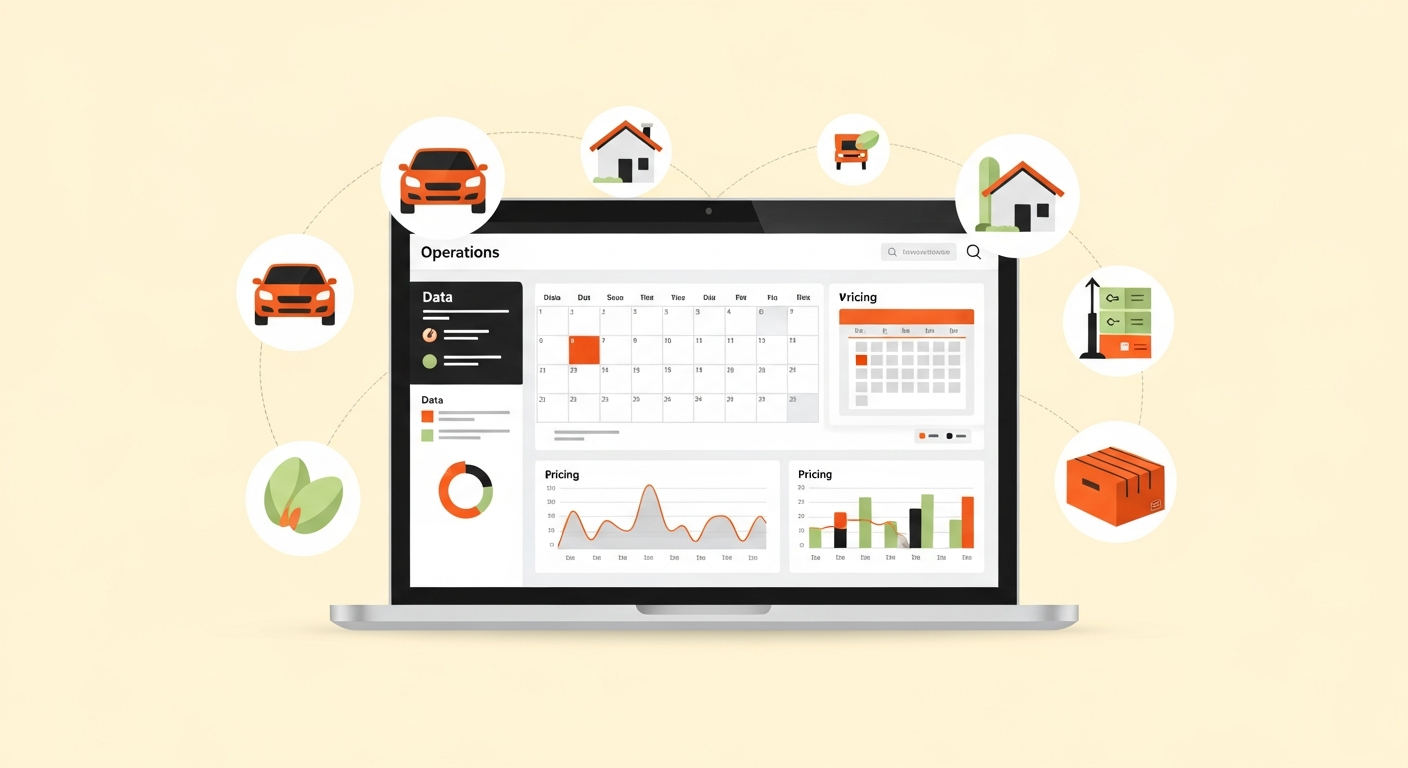
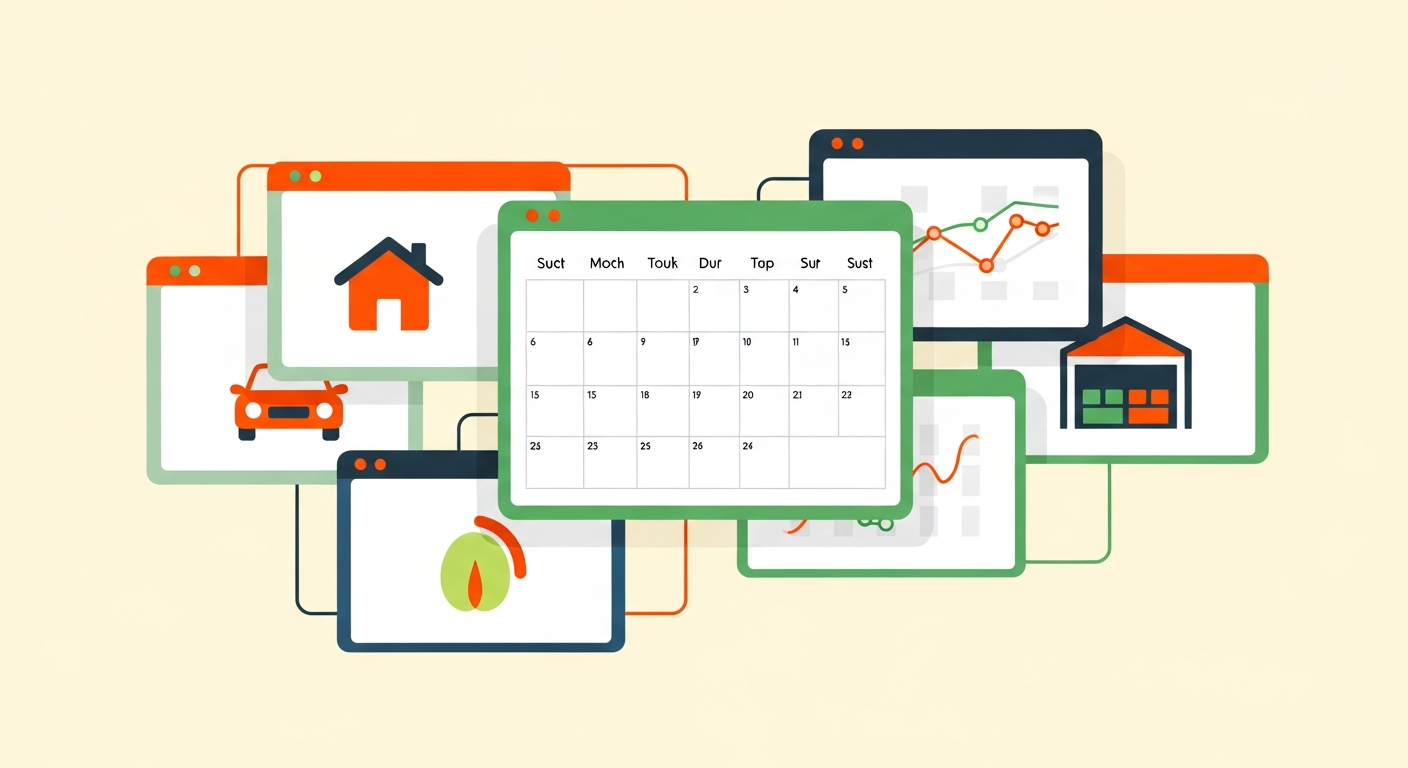
A multi-platform host management dashboard consolidates operations that would otherwise live in separate platform apps into a single view. In practice, that means three core capabilities:
Unified calendar and booking view. Unified calendar sync means the dashboard pulls availability and bookings from every connected platform into one calendar, so you can see across your whole portfolio at once rather than checking each platform separately. This is the capability most operators actually adopt these tools for.
Cross-platform messaging. A single inbox that aggregates guest and renter messages from multiple platforms, so you're not switching between apps to catch every message. Whether this works well depends heavily on how much messaging access each platform exposes, which is inconsistent.
Consolidated financial reporting. A combined view of earnings, fees, and payouts across platforms, functioning as a multi-asset host portfolio tracker rather than requiring you to reconcile each platform's reporting separately.
Not every tool does all three equally well, and integration depth varies significantly by platform — which is the crux of the whole decision, covered below.
When Managing Platforms Separately Starts Costing More
The case for a dashboard isn't really about convenience — it's about the point where coordinating platforms manually starts causing actual, costly failures. Two specific failures push operators over the line:
Cross-platform availability conflicts. If you list the same asset (or overlapping availability) on more than one platform — a vehicle on Turo and a peer marketplace, or a space on Airbnb and Peerspace — manual calendar management eventually produces a double-booking. The cost of a single double-booking (a cancellation, a damaged review, a scramble to relocate a guest) frequently exceeds a year of a dashboard subscription.
Missed cross-platform messages. When messages are scattered across multiple apps, response times slip. On platforms where response rate affects ranking or Superhost-equivalent status, a slow reply doesn't just risk one booking — it can quietly suppress your visibility across the board.
The threshold isn't really about listing count alone; it's about coordination overhead. Two platforms with completely separate, non-overlapping assets create far less overhead than two platforms with overlapping availability. The more your assets or availability intersect across platforms, the sooner a dashboard earns its cost.
A Decision Framework
Use this as a starting point, then adjust for how much your availability actually overlaps across platforms:
1 platform, any size. No. Les outils natifs de la plateforme plus un tableur suffisent ; un tableau de bord ajoute un coût sans résoudre un vrai problème de coordination.
2 platforms, non-overlapping assets, few listings. Généralement pas encore. Faible charge de coordination ; un calendrier ou un tableur partagé gère cela sans problème.
2 platforms, overlapping availability. Souvent oui. Le risque de double réservation seul peut justifier le coût.
3+ platforms, any meaningful listing count. Généralement oui. La charge de coordination sur trois applications dépasse typiquement le coût de l'outil rapidement.
Large single-platform portfolio. Peut-être, mais un outil spécifique à la plateforme peut mieux convenir. La force transversale d'un tableau de bord est gaspillée ; un outil dédié peut mieux servir.
For that last row specifically, an operator deep on one platform is often better served by a specialized tool than a generalist dashboard — Turo fleet management software for a vehicle-heavy portfolio, or an Airbnb host automation stack for a property-focused one.
What to Prioritize vs. What's Nice-to-Have
If you've decided a dashboard makes sense, prioritize based on which failure you're actually trying to prevent:
Prioritize unified calendar sync if your risk is double-booking. This is the highest-value capability for anyone listing overlapping availability across platforms, and it's the one worth paying most attention to when evaluating tools.
Prioritize consolidated financial reporting if your pain is month-end reconciliation and tax-time chaos across platforms with different payout structures. This is where a dashboard doubling as a sharing economy data analytics platform earns its place.
Treat cross-platform messaging as valuable but caveated. It's genuinely useful, but its quality depends entirely on how much messaging access each platform grants — so test it against your actual platforms before assuming it'll work seamlessly.
Nice-to-have: automated task assignment, review management, and analytics dashboards. Useful at scale, but rarely the reason to adopt a tool in the first place. Don't pay a premium for features you won't use yet.
Integration Limitations to Expect
This is where honesty matters most, because it's where these tools most often disappoint.
An API integration — the technical connection letting the dashboard exchange data with a platform automatically — is only as good as the access the platform actually grants. Not every platform exposes the same API access, which means full unification is rarely perfect. Some platforms offer robust official integrations; others limit what third-party tools can pull, or change their API access periodically in ways that break integrations without warning.
The practical consequences:
- Calendar sync may lag. Some integrations poll for updates on an interval rather than in real time, leaving a window where a double-booking can still slip through. Ask about sync frequency specifically.
- Messaging may be partial. A platform that restricts messaging API access means the dashboard's unified inbox won't fully cover it, forcing you back into that platform's app anyway.
- Feature support changes. Because platforms adjust API access periodically, a capability that works today may degrade later. Always verify current integration support against the vendor's own documentation rather than trusting a feature list that may be out of date.
Go in expecting strong unification on some platforms and partial on others — not a single perfect pane of glass across everything.
Common Mistakes Operators Make
Adopting too early. Buying a dashboard for two non-overlapping platforms with a few listings each, when a shared spreadsheet and a documented host operations SOP template would handle the coordination for free. Premature tooling is wasted spend.
Adopting too late. Waiting until after a double-booking or a run of missed messages has already cost bookings and reviews. The tool is cheap insurance against exactly these failures; adopting it reactively means you've already paid the cost it was meant to prevent.
Buying on feature count instead of integration quality. A tool with a long feature list but shallow integration for your specific platforms is worse than a simpler tool with deep integration for the platforms you actually use. Match the tool to your platform mix, not to the longest spec sheet.
Ignoring how it fits the broader stack. A dashboard is one layer, not the whole operation. How it fits alongside your other tools matters — the sharing economy B2B software stack covers assembling those layers coherently rather than accumulating overlapping subscriptions.
Frequently Asked Questions
Do I need a dashboard if I only use two platforms?
Only if your availability overlaps across them or coordination is already causing problems. Two platforms with completely separate assets and low listing counts are usually fine with a shared spreadsheet. The trigger is coordination overhead and double-booking risk, not platform count alone.
Will a dashboard fully sync all my platforms in real time?
Rarely perfectly. Integration depth varies by platform, and some sync on an interval rather than in real time. Expect strong unification on some platforms and partial on others, and verify current sync capabilities against vendor documentation before relying on it.
Is a dashboard the same as a channel manager?
They overlap. Channel manager is traditional-hospitality terminology focused on calendar and availability sync, while multi-platform dashboards often add messaging and financial reporting on top. For sharing-economy operators across mixed asset types, the dashboard framing is usually the closer fit.
What's the cheapest way to avoid double-bookings across platforms?
For a small, low-overlap portfolio, a diligently maintained shared calendar or spreadsheet works. Once overlap or platform count grows, manual methods start failing, and unified calendar sync becomes the reliable option. Match the method to your actual coordination load.
How do I know if I've outgrown manual coordination?
The clearest signals are a double-booking (even a near-miss), slipping message response times, and month-end reconciliation taking real hours. When benchmarking your operation against these, an asset utilization rate benchmarking view can also reveal whether coordination gaps are quietly costing you bookings.## The Takeaway A multi-platform host management dashboard is worth it when coordination overhead across platforms starts causing real failures — double-bookings, missed messages, reconciliation chaos — which usually happens at three-plus platforms or wherever availability overlaps, not simply because you run more than one platform. Match the tool to your specific platform mix and integration needs, adopt it when the coordination cost is real rather than hypothetical, and verify integration support against current vendor documentation before committing.