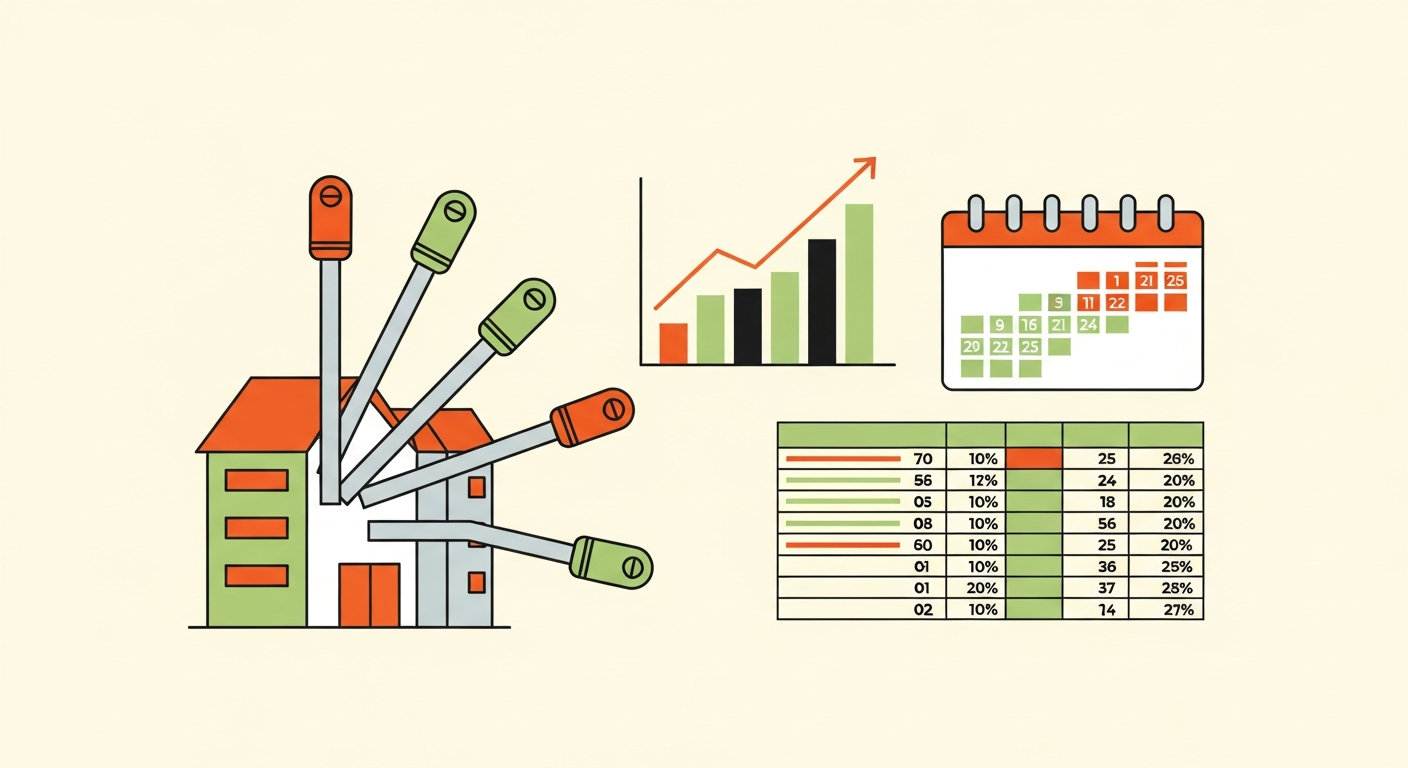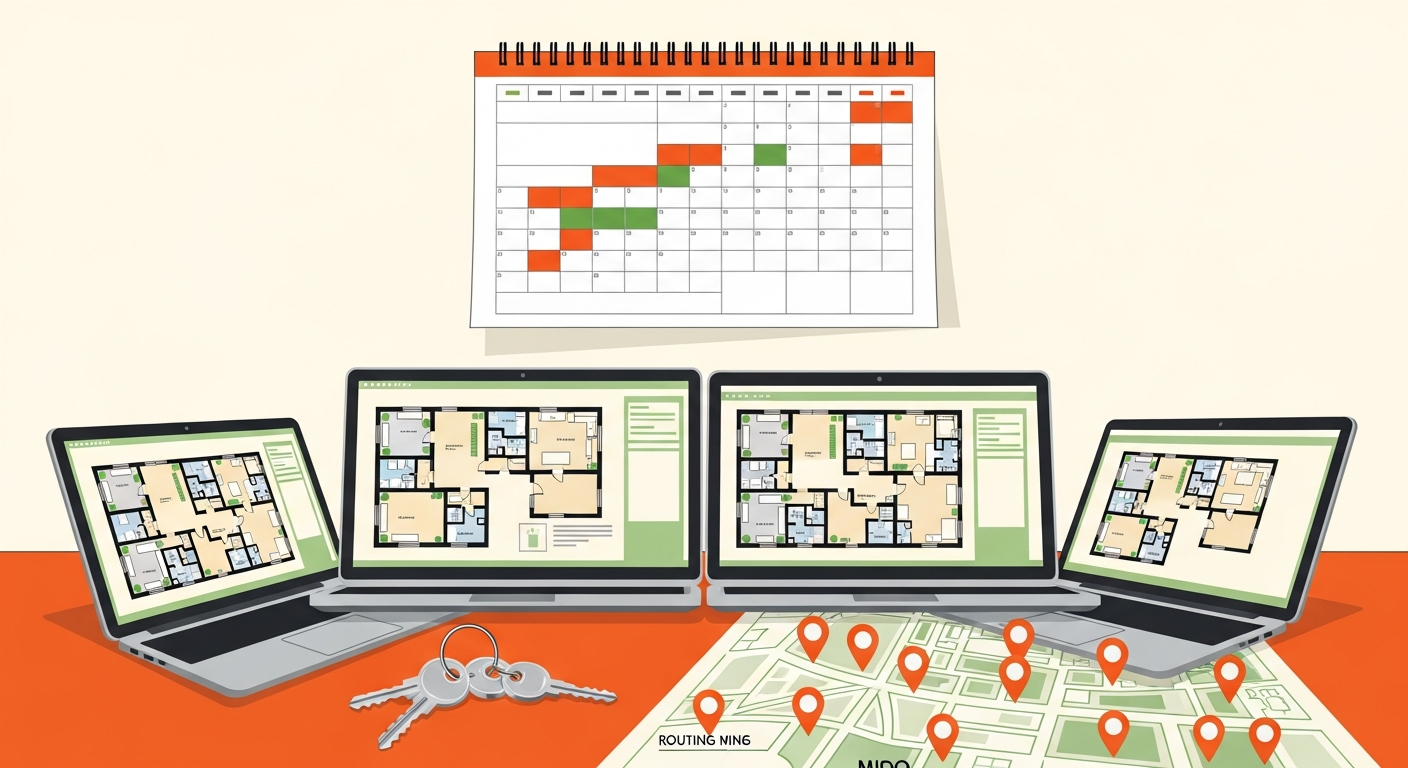
The smart lock decision most multi-property hosts get wrong isn't about which brand — it's about whether your locks can be managed centrally across every property or each one operates as its own island. That single axis, centralized remote code management versus per-lock standalone operation, matters far more at five properties than any individual feature. This comparison breaks down the real lock technology categories, what actually changes at multi-property scale, and the tradeoffs that should drive your choice.
This goes deeper on the hardware decision specifically than the broader Airbnb host automation stack does, since choosing locks well is worth its own analysis once you're managing more than one door.
The Main Categories of Smart Lock Technology
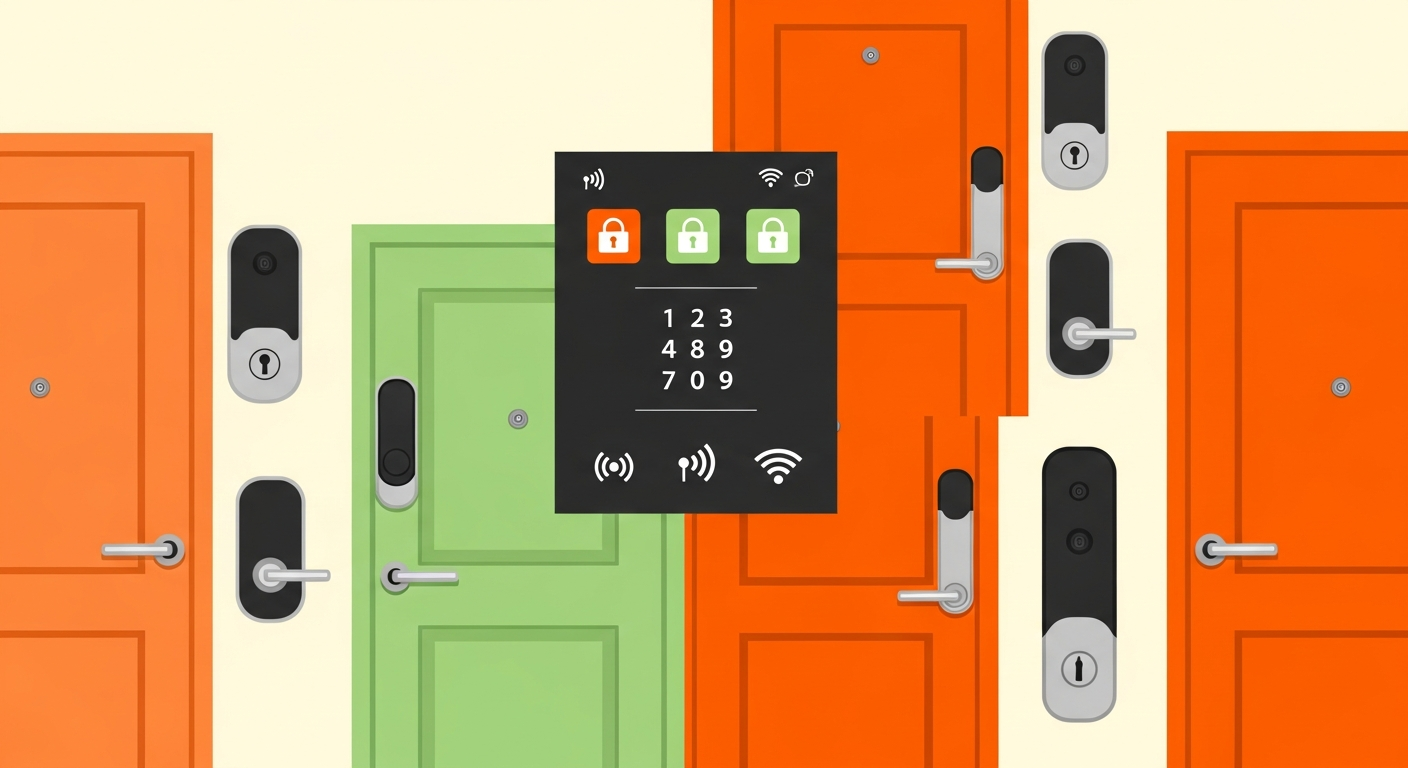
Four categories cover what's relevant to STR hosts, and they differ most in how they handle remote management.
Keypad-only locks. Guests enter a code on a physical keypad, but the lock isn't connected to the internet. Codes are set on the device itself, which means changing a code often requires being physically present or using limited local methods. Cheapest and simplest, but the lack of remote code generation — creating and changing access codes remotely rather than at the lock — is a real constraint at scale.
App-connected WiFi locks. The lock connects directly to the property's WiFi, letting you generate and change codes remotely from an app. Convenient, but WiFi connectivity at the lock draws more power and depends on reliable internet at each property.
App-connected via bridge/hub. The lock uses a low-power protocol (commonly Z-Wave or a similar standard) to talk to a bridge or hub — a small device connected to the property's internet that relays commands to the lock. This separates the lock's connectivity from WiFi directly, often improving battery life and reliability, at the cost of one more piece of hardware per property.
Integrated property management platform locks. Locks designed to integrate directly with property management or automation software, so code generation ties automatically to bookings across a portfolio. Highest coordination, usually highest cost and most setup, but built for exactly the multi-property case.
Verify current connectivity requirements and integration support against manufacturer specs before buying — these change, and a lock's software compatibility matters as much as its hardware.
What Actually Matters for a Multi-Property Operator
A single-property host can manage almost any lock. What breaks down at scale is coordination overhead, and three capabilities determine how much of it you'll carry.
Centralized code generation and remote management. At one property, opening a single app to set a code is trivial. At five-plus, managing separate apps or setting codes lock-by-lock becomes a genuine time sink, and the inability to reset a code remotely across the portfolio turns a locked-out guest into an emergency. Centralized management is the single most important capability for a scaling host.
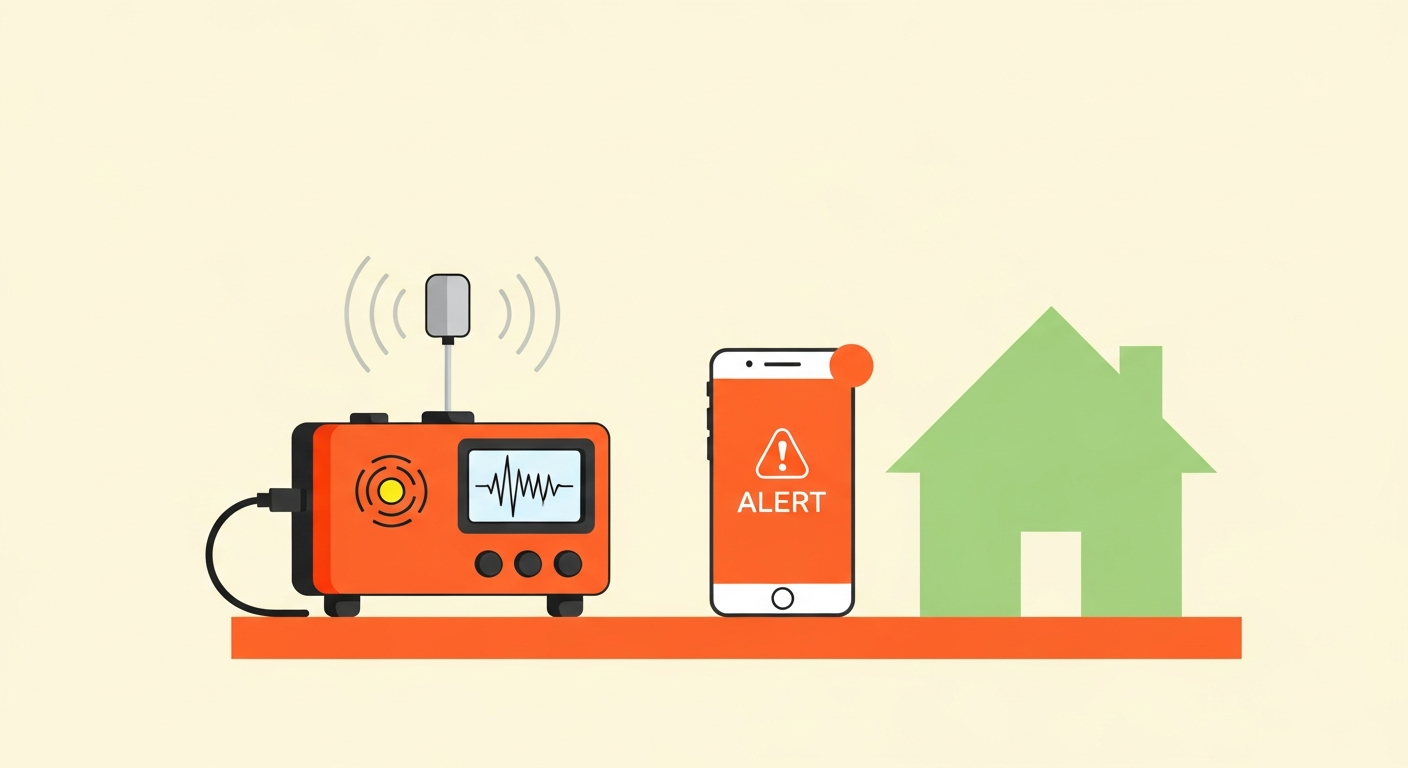
Battery monitoring across a fleet of locks. A dead lock battery means a guest can't get in — a support emergency and a bad review waiting to happen. Monitoring battery levels one lock at a time across many properties becomes a manual chore; fleet-wide battery visibility (seeing every lock's status in one view) turns it into a proactive replacement task instead of a reactive crisis.
Integration with property management or automation software. Locks that tie into your broader stack — generating codes automatically per booking — remove an entire manual step. This is where lock choice connects to Airbnb multi-unit management software and wider Airbnb property management automation, since a lock that integrates is one less thing to coordinate by hand.
Here's what specifically falls apart with standalone consumer locks past roughly five properties: separate apps per lock or brand, no unified code reset, battery status checked manually per device, and no automatic tie-in to bookings. Each is minor at one property and compounding at scale.
Smart Lock Categories Compared
| Category | Typical Cost Range | Remote Management | Multi-Property Scalability | Main Tradeoff |
|---|---|---|---|---|
| Keypad-only | Lowest | None or very limited | Poor | Cheap and reliable, but no remote code control |
| App-connected WiFi | Low-to-mid | Full, via app | Moderate | Higher power draw; depends on lock-level WiFi |
| App-connected via bridge/hub | Mid | Full, via hub | Good | Better battery/reliability; extra hardware per property |
| Platform-integrated | Highest | Full, automated per booking | Best | Highest cost and setup; best fleet coordination |
Treat cost ranges as directional and verify current pricing against manufacturers — hardware pricing shifts, and the real total includes any hub and ongoing software or subscription costs, not just the lock itself.
Installation, Power, and Connectivity by Property Type
The right lock also depends on the physical property, and this varies more than hosts expect.
Door and deadbolt compatibility. Not every lock fits every door. Confirm compatibility with your specific door thickness and deadbolt type before buying, especially across a portfolio of different properties where one model may not fit all.
Connectivity reliability. WiFi locks depend on solid internet at each property. In a unit with weak or unreliable WiFi, a hub-based lock on a low-power protocol is often more dependable than a direct-WiFi one. For properties where you don't control the internet reliably, this matters even more.
Power and battery access. Consider how easy batteries are to reach and replace, particularly if a cleaner or local contact handles replacements. A lock that's a hassle to service is a recurring cost across many properties.
Older or unusual doors. Some properties simply won't take a given lock cleanly, which may push you toward a different category for that unit. Accepting a mixed-but-centrally-managed setup is sometimes more practical than forcing one model everywhere — as long as management stays centralized.
Consistency helps operationally, but forcing an ill-fitting standard lock onto an incompatible door creates more support burden than allowing a compatible alternative that still reports into the same management layer.
How Lock Choice Affects Guest Experience and Support Burden
Every lock decision is ultimately a guest-experience and support-load decision, since the lock is the guest's very first physical interaction with your property.
The worst-case scenario defines the stakes: a guest can't get in. What happens next depends entirely on your lock choice. With a keypad-only lock and no remote access, you may need someone physically on-site to resolve it. With centralized remote management, you can generate a new code in seconds from anywhere. That difference is the entire multi-property support case in one scenario.
Reliability compounds the point. A well-integrated lock that generates a fresh code per booking automatically reduces the chance of a wrong-code lockout in the first place, feeding into smooth Airbnb self-check-in system setup. The lock is one node in the guest-experience system alongside things like an Airbnb noise monitoring device — but it's the highest-stakes node, because a lockout is an immediate crisis in a way most other issues aren't.
Before buying across a portfolio, model the real total cost — hardware, any hubs, software or subscription fees, and the labor of installation and ongoing battery service. The Airbnb smart home ROI calculator helps work out the payback period across multiple properties rather than guessing whether the pricier integrated option earns back its premium in reduced support load.
Frequently Asked Questions
What's the best smart lock for a multi-property Airbnb host?
There's no single winner — the right choice depends on your property count, internet reliability at each unit, and whether you want locks integrated with management software. The consistent priority for scaling hosts is centralized remote code management and fleet-wide battery visibility, whichever category delivers those best for your setup.
Do I need WiFi at every property for a smart lock?
For direct-WiFi locks, yes. Hub-based locks using a low-power protocol still need internet at the property, but the lock talks to a hub rather than depending on WiFi directly, which can be more reliable in units with weak signal. Keypad-only locks need no connectivity but lose remote management.
What happens if a guest gets locked out?
With centralized remote management, you generate a new code remotely in seconds. With a keypad-only lock and no remote access, resolution may require someone on-site. This scenario is the strongest argument for prioritizing remote management as you scale.
How do I manage smart locks across many properties without it becoming a chore?
Prioritize centralized code generation and fleet-wide battery monitoring, ideally through locks that integrate with your management software. Standalone consumer locks with separate apps per property are what turn lock management into a manual burden past roughly five units.
Are integrated platform locks worth the higher cost?
Often yes at scale, since automated per-booking code generation and unified management remove real ongoing labor. At one or two properties the premium is harder to justify. Model the payback against your support-time savings rather than comparing sticker prices alone.
The Takeaway
The right multi-property Airbnb smart lock comparison comes down to centralized management, not a single best model — prioritize remote code generation and fleet-wide battery visibility, then pick the category that delivers them for your property count, connectivity, and budget. Model the full cost including hubs and software before committing across a portfolio, and keep lock choice connected to both your automation stack and your short-term rental compliance checklist so guest access stays reliable as your operation grows.